
























GALLERY WALL PLANNER

Plan your gallery wall on a photo of your room, before you buy a thing.

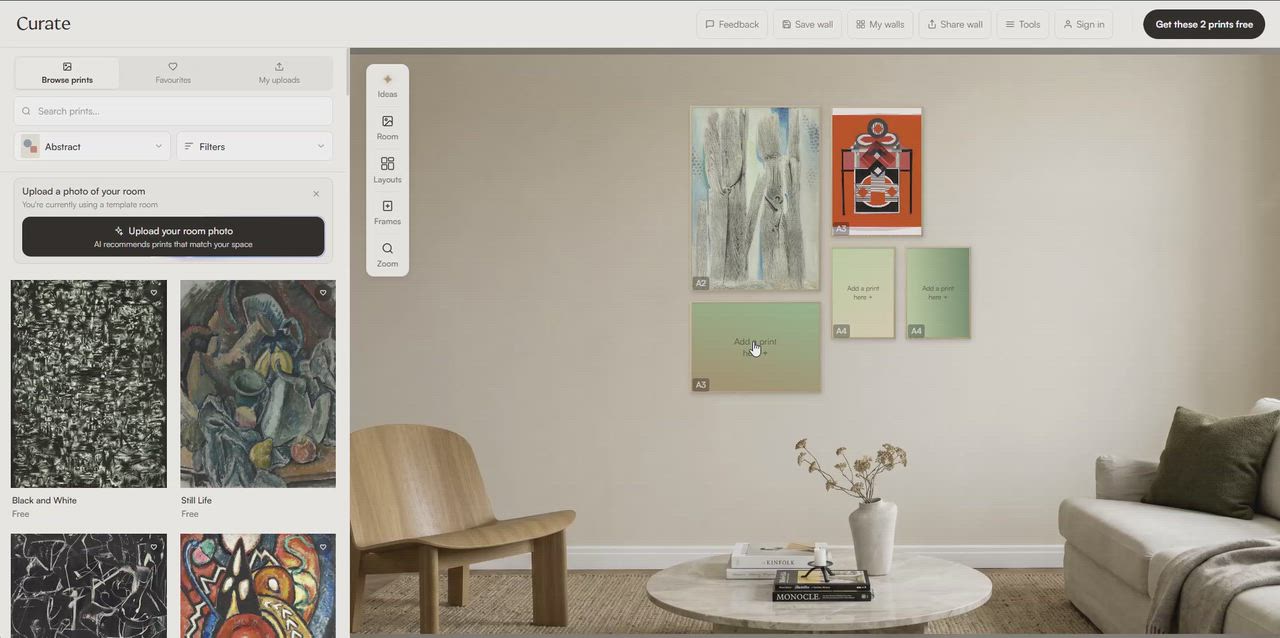
Curate is a gallery wall planner for prints and photos. Arrange one print, your own photos or a whole wall of them, and our AI suggests prints that suit the space.

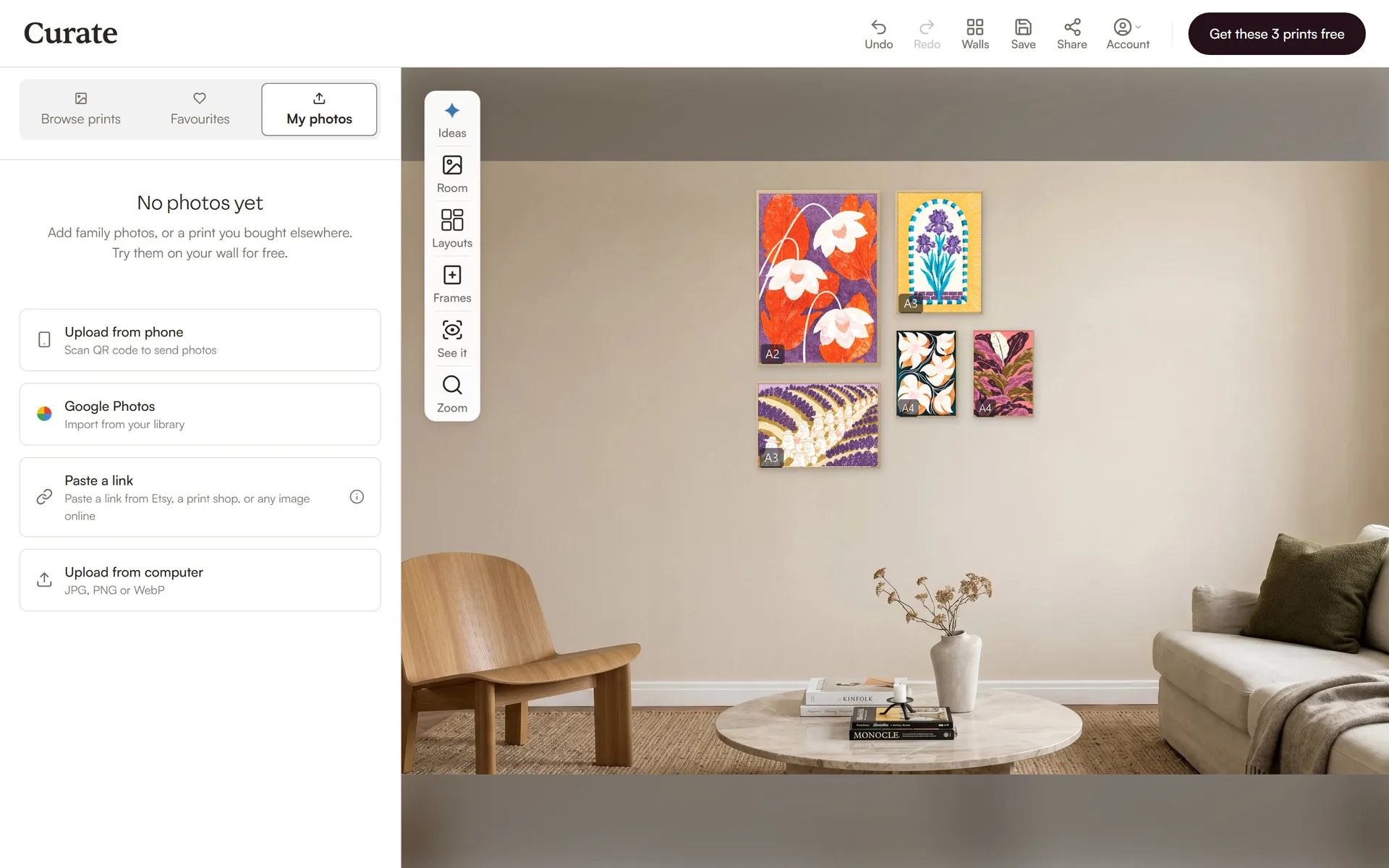
Arrange prints and your own photos, get AI print suggestions and check the wall in AR.

Plan my wall
First room free. No account needed.

Not sure what goes together?

Curate reads your room and suggests prints that suit it.

See what suits my room

No photo? Start anyway.

Begin in a ready-made room, then swap in a photo of your own wall whenever you like.

Open the planner

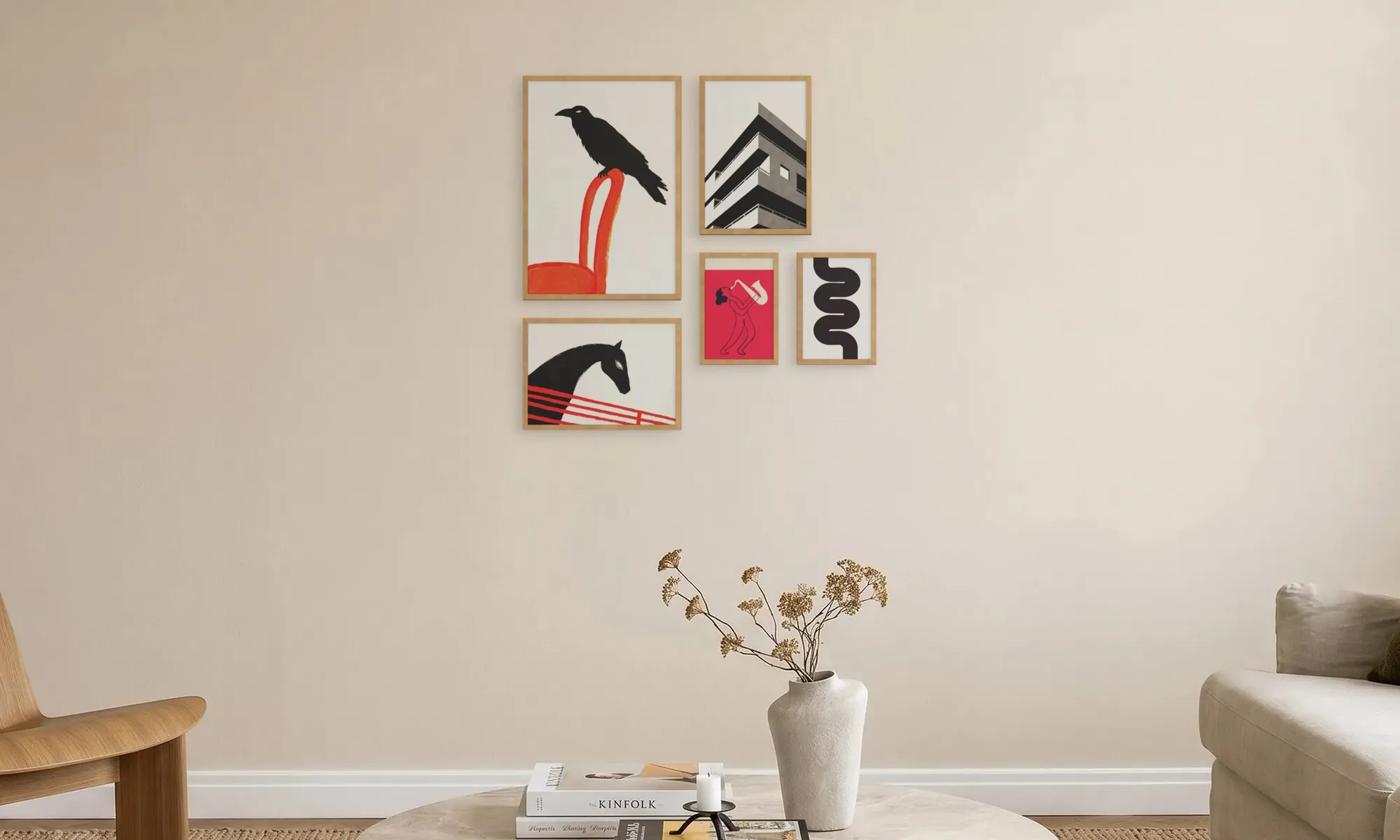
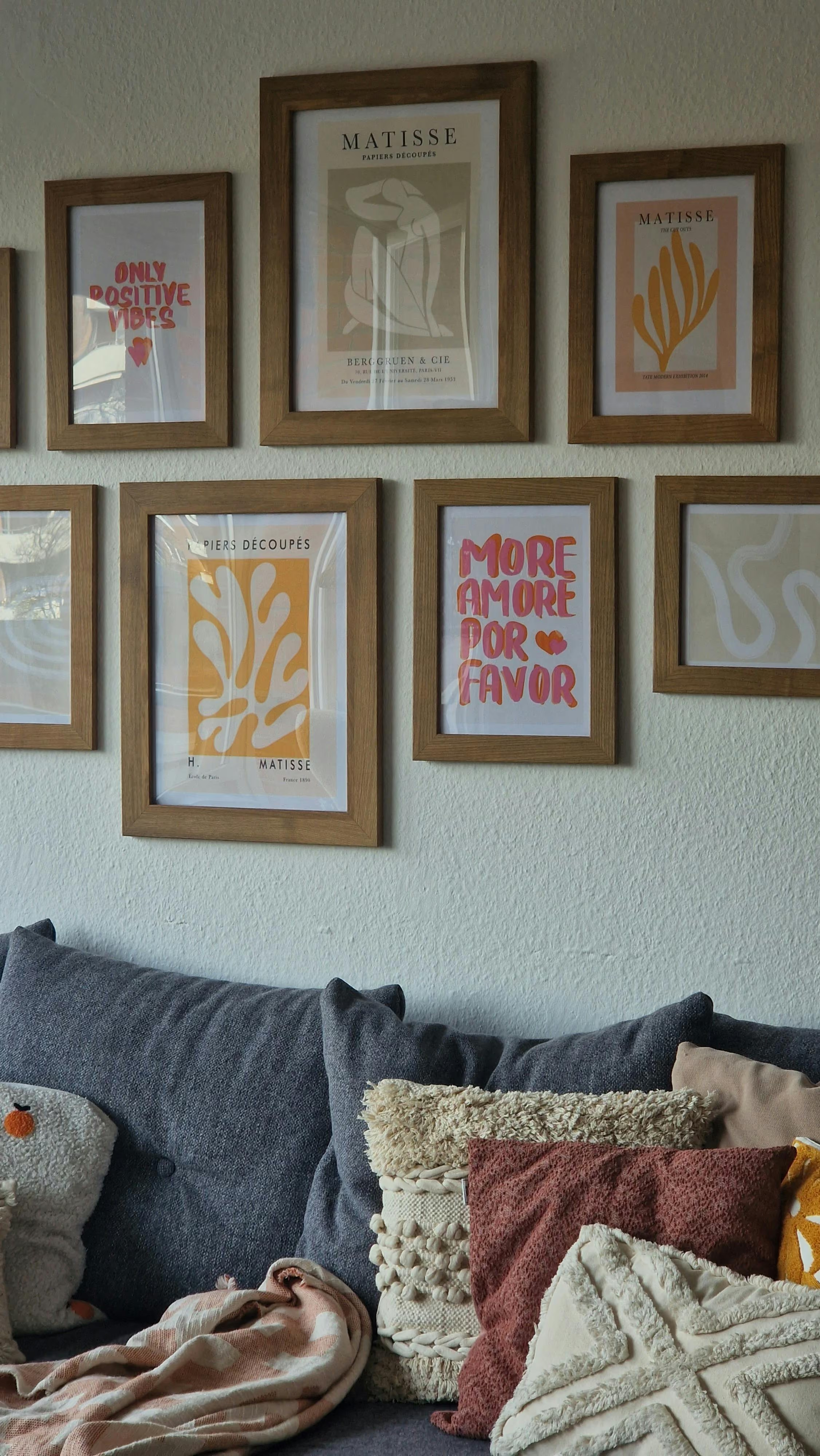
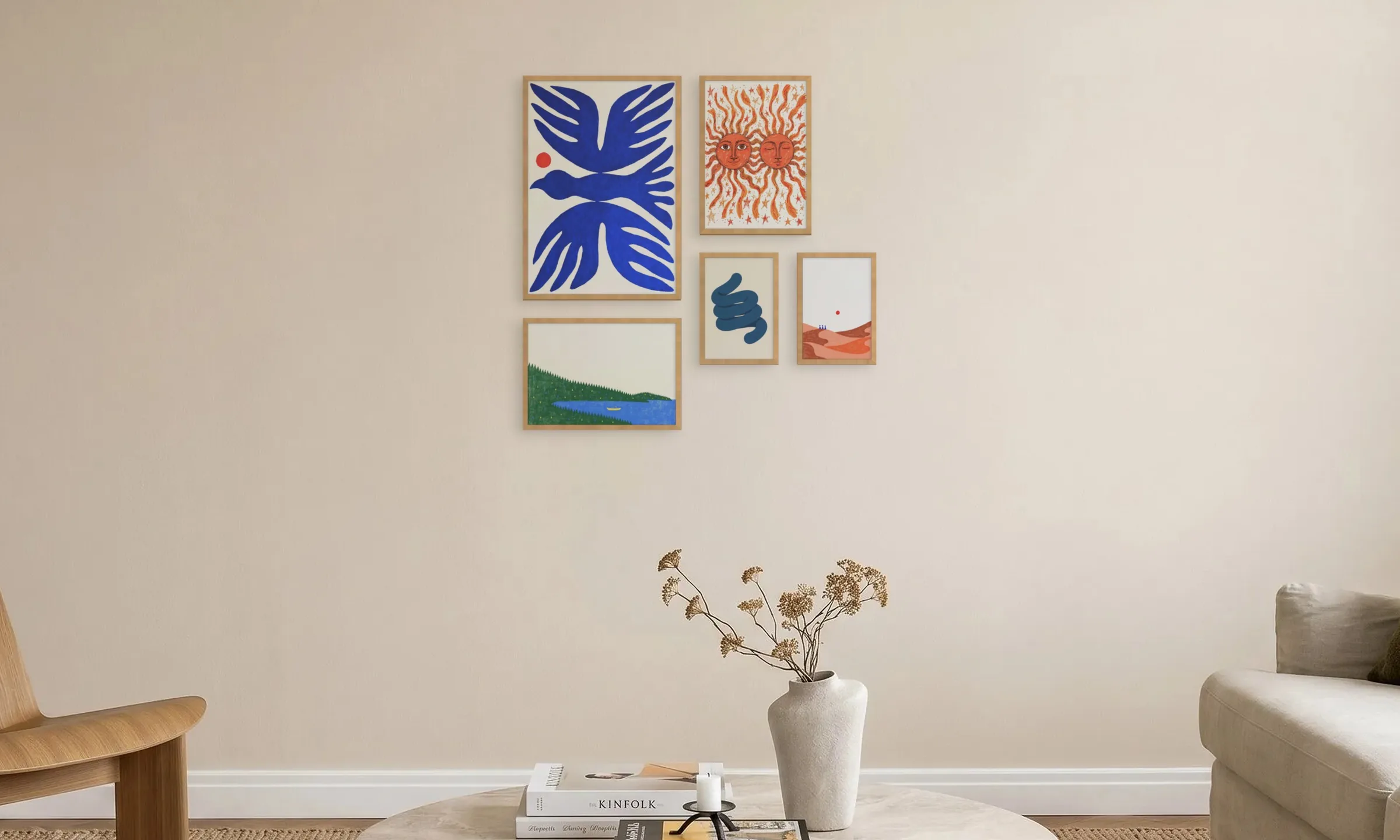
Five colourful prints in oak frames above a coffee table
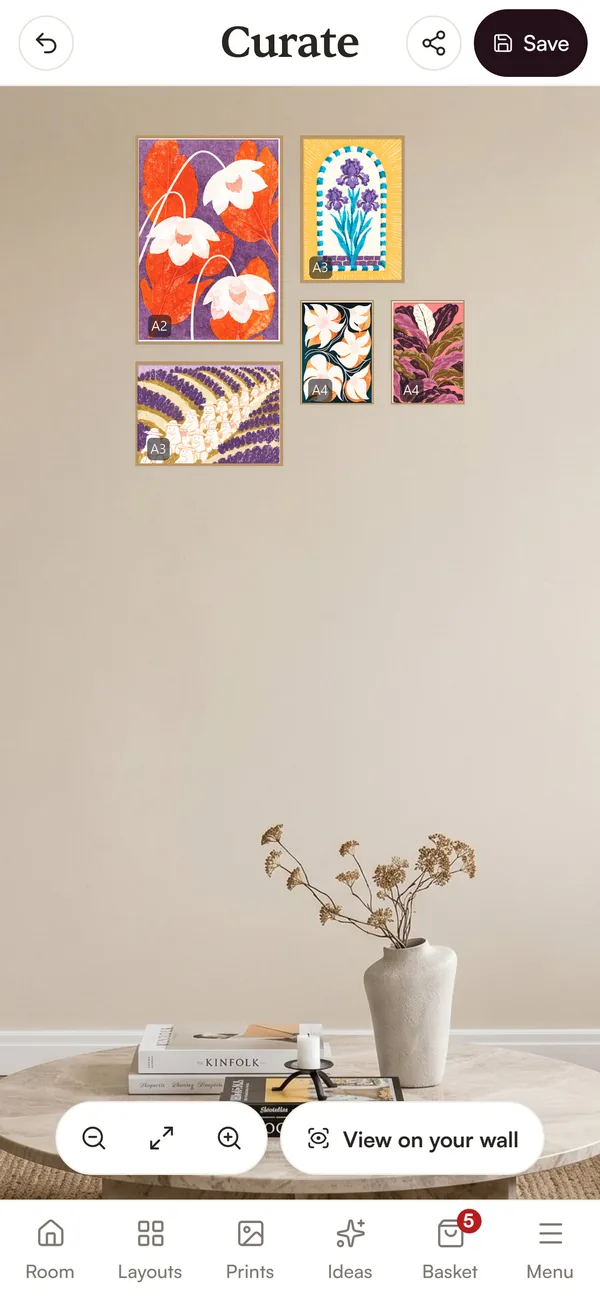
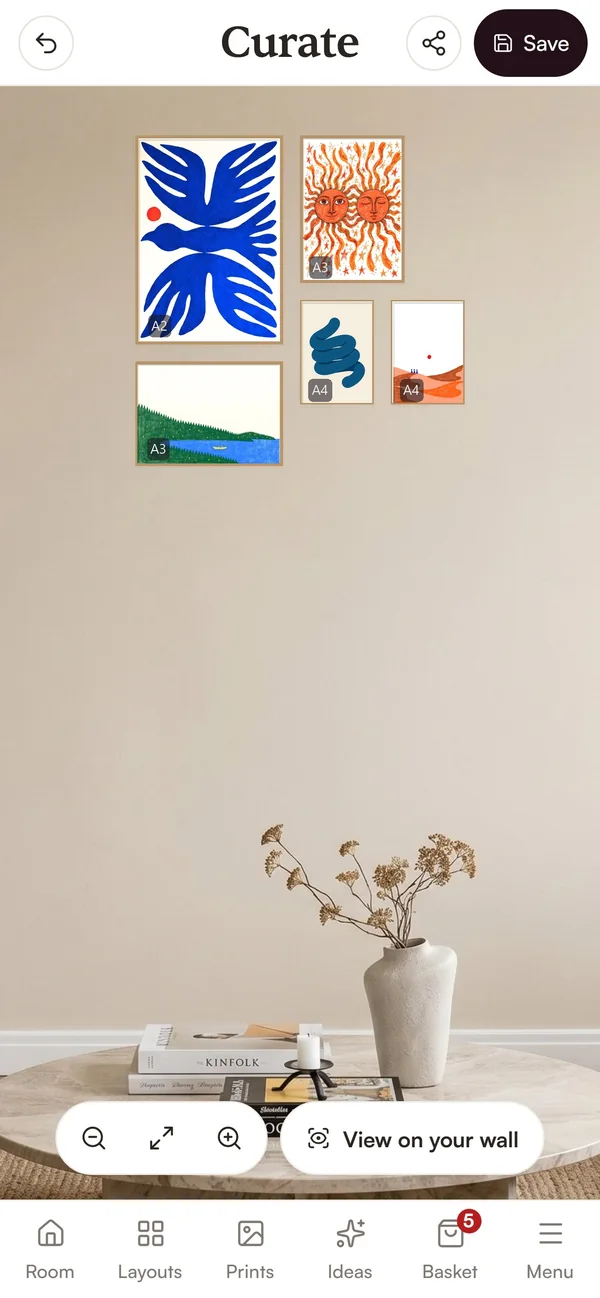
The same five prints arranged in the Curate planner on a phone
  • Your room, or one of ours

    A phone photo of your wall, or one of nine ready-made rooms.

  • 60+ layouts

    Sofa walls, stairs and hallways, or place every frame yourself.

  • AI print suggestions

    Prints to suit your room's colour and light, or your own photos.

  • Check it in AR

    See the finished wall in your room through your phone's camera.

On your wall

See prints & photos
on your own wall

Drop your prints onto a photo of your room and see the whole wall together, before you buy a thing. Swap anything that does not work.


Seen against your own furniture
Try it before you buy or drill
Move and swap as often as you like
Plan my wall in my room
First room free, nothing to install.
Layouts

60+ gallery wall layouts
or make your own

Use the gallery wall layout generator to pick a layout for your wall: above a sofa, up the stairs or round a tricky nook. Then drag in prints or your own photos.

Frame sizes and gaps set for you
Sizing set from a switch or a sheet of A4
Move frames and the gaps stay even
Try a layout
Every layout is free to use.
AI PRINT SUGGESTIONS

Our AI reads your room
& suggests prints that suit your space

Curate works like a gallery wall designer who has seen your room, matching its picks to your colours,
decor and light. Take them or choose your own. Free for your first room.

YOUR PHOTOS

Plan prints and your
family & friends photos

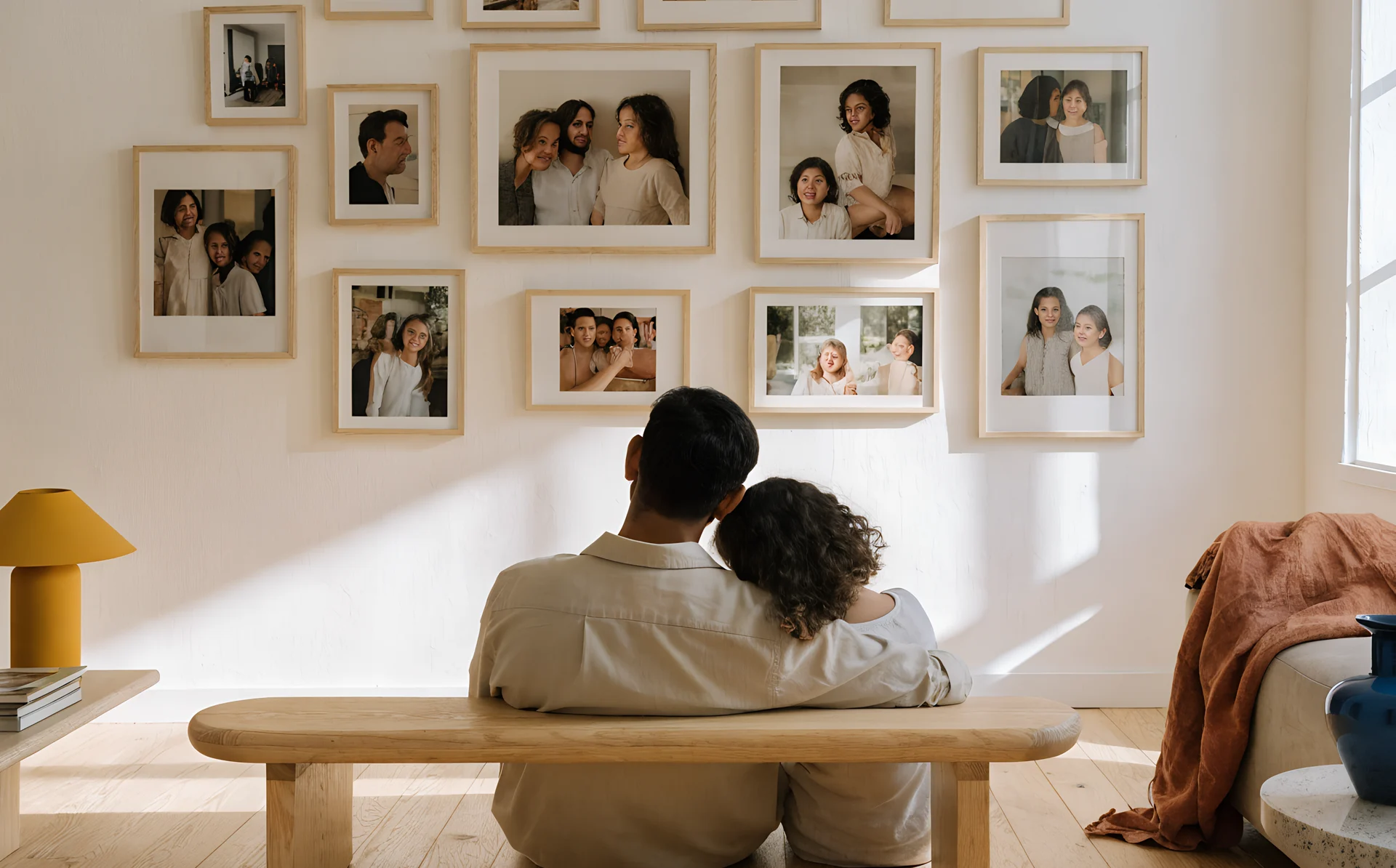
Drop your own photos into any frame at the size you'd print them, and match the frames you already own.

Compare two print sizes side by side
Five frame finishes, oak to brass
Mix your own photos with our prints
See my photos on the wall
First room free. No account needed.
Print of an orange ring float on blue water
An empty wall, and a phone held up to it showing the same wall with five prints hung in AR
AR preview

Preview your gallery wall in AR (Augmented reality)

Point your phone at the wall and see what you've curated on it, standing in the room. There's no app to install and no account needed. It works in your phone's browser.

The whole wall, where it'll hang
Walk around to judge the spacing
Works in your phone's browser
Preview my wall in AR
First room free. No account needed.
Phone and computer

Plan on your phone, your laptop, or both

Curate runs in your browser, so there's nothing to install. Start on one screen and finish on the other.


On your phone
Take the room photo, arrange frames, and see it in AR.
On a computer
A bigger canvas, and more ways to set the wall's size.
Between the two
Send a wall to your laptop as a link, no account needed.
Plan my wall
First room free. No account needed.
QR code that opens the Curate planner on your phone

Scan to open Curate on your phone

Made in Curate

Real walls designed with  Curate  

Every one planned on a photo of the room before a single print was bought, so nothing had to go back.

Portrait of a woman with flowers in her hair
Frida Kahlo
@friducha_paintsyou
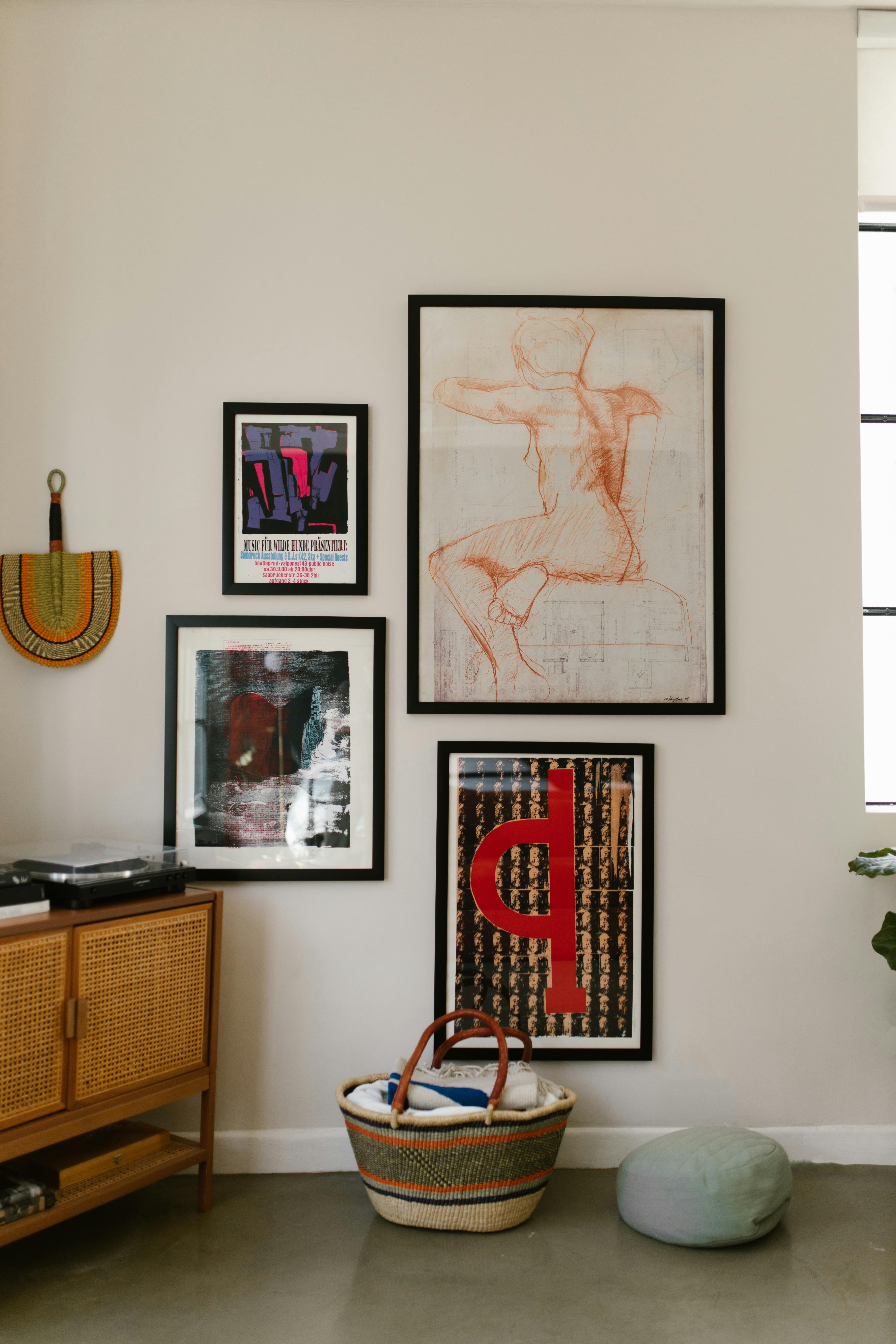
Gallery wall of framed prints above a wooden sideboard
Photo of a laughing woman in a plaid shirt
Krystyna Czubówna
@krysti_99
Gallery wall of framed landscapes in a dining room, seen through an archway
Portrait of a woman in a red top
Simone de Beauvoir
@simone.db_1949
Gallery wall of framed prints above white shelves
Photo of a woman in a black jacket at night
Zofia Zborowska
@zbozowa_krolowa
Gallery wall of framed prints above a sofa with cushions
Photo of a smiling woman with red lipstick
Ursula K. Le Guin
@ekphrasis_whispers
Gallery wall of framed maps in mixed frames
Portrait of a woman with flowers in her hair
Frida Kahlo
@friducha_paintsyou
Gallery wall of framed prints above a wooden sideboard
Photo of a laughing woman in a plaid shirt
Krystyna Czubówna
@krysti_99
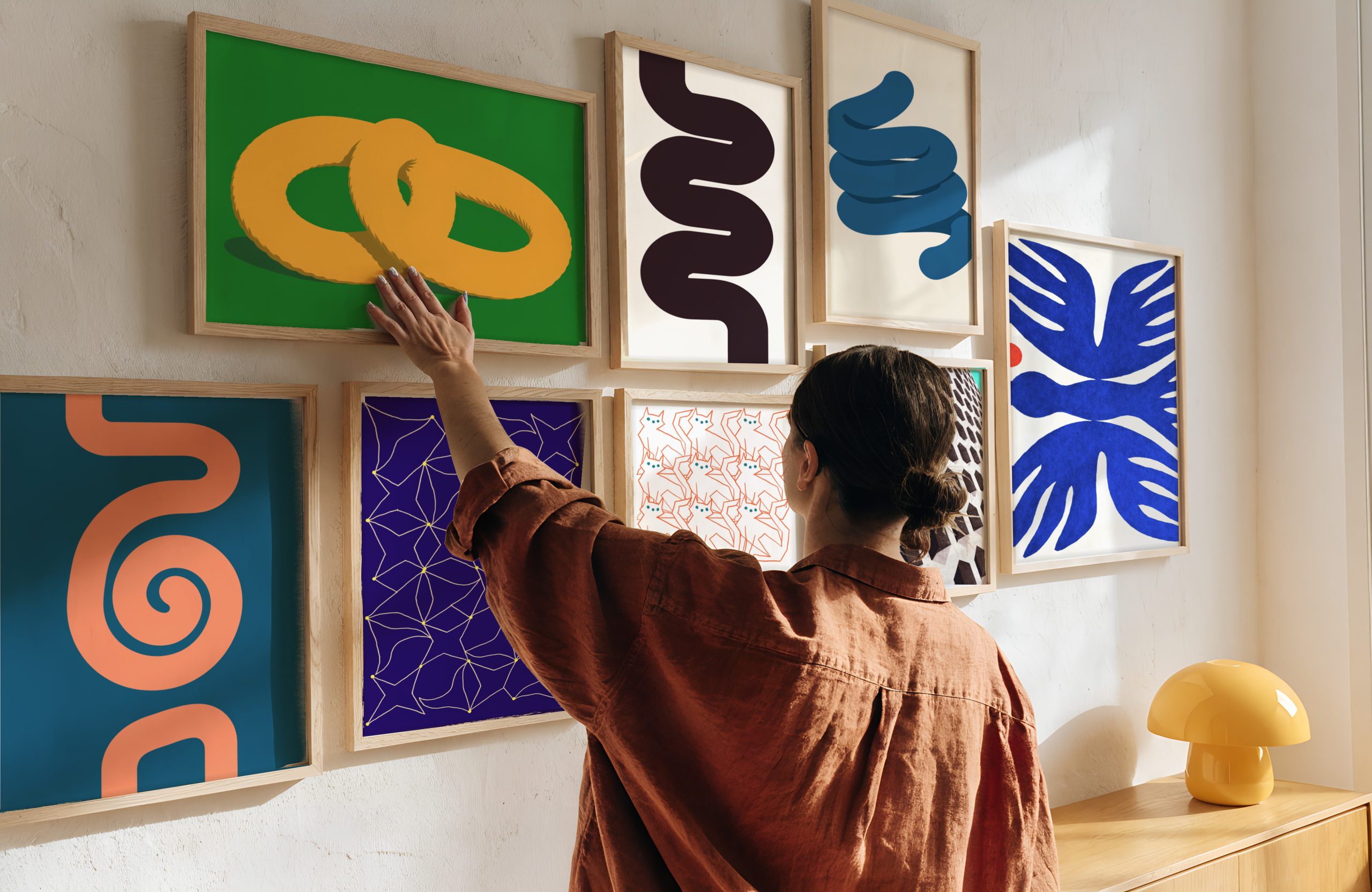
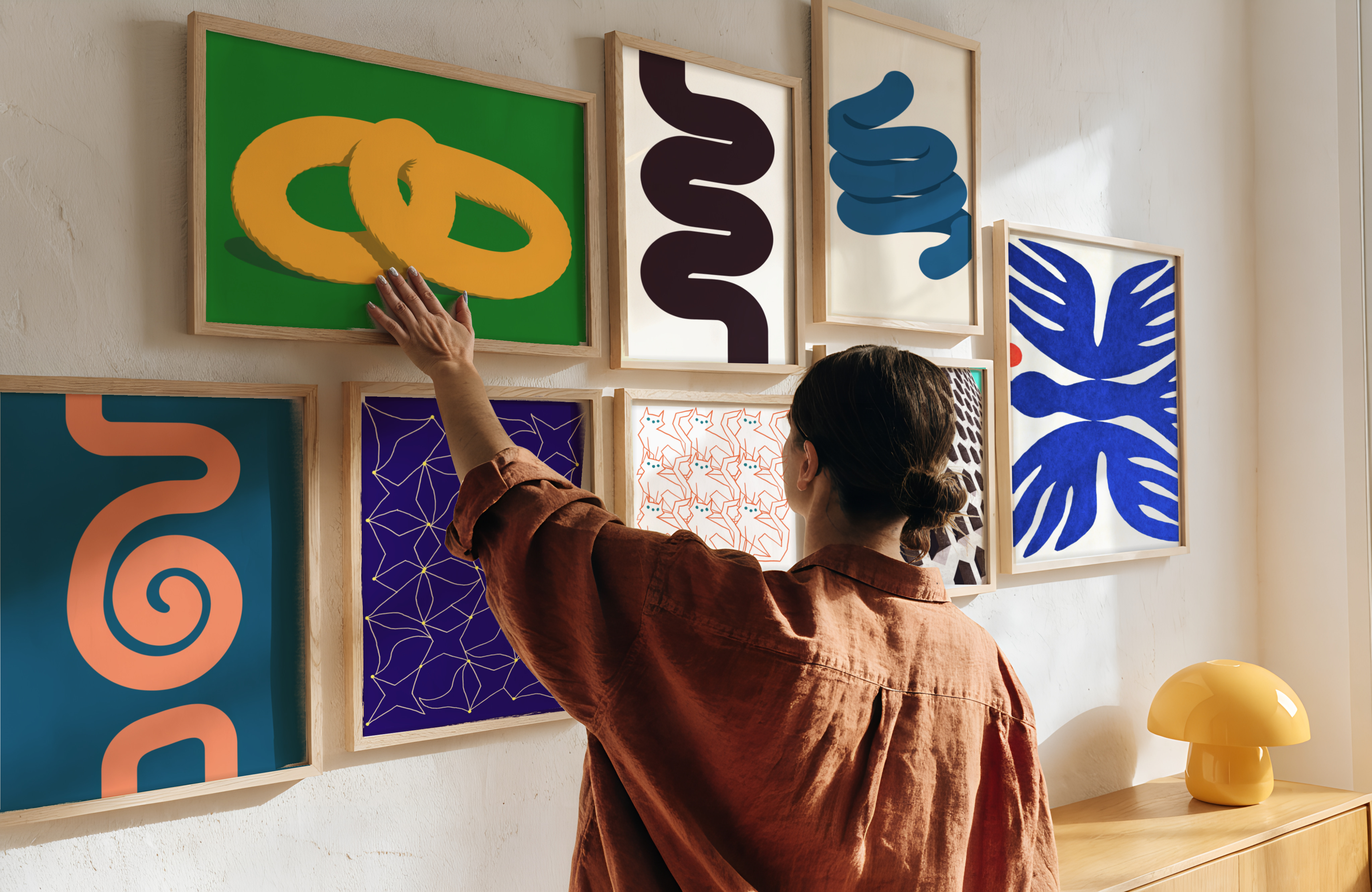
Woman hanging a framed print on a gallery wall of colourful prints
Portrait of a woman in a red top
Simone de Beauvoir
@simone.db_1949
Woman straightening a framed print on a gallery wall of abstract prints
Photo of a woman in a black jacket at night
Zofia Zborowska
@zbozowa_krolowa
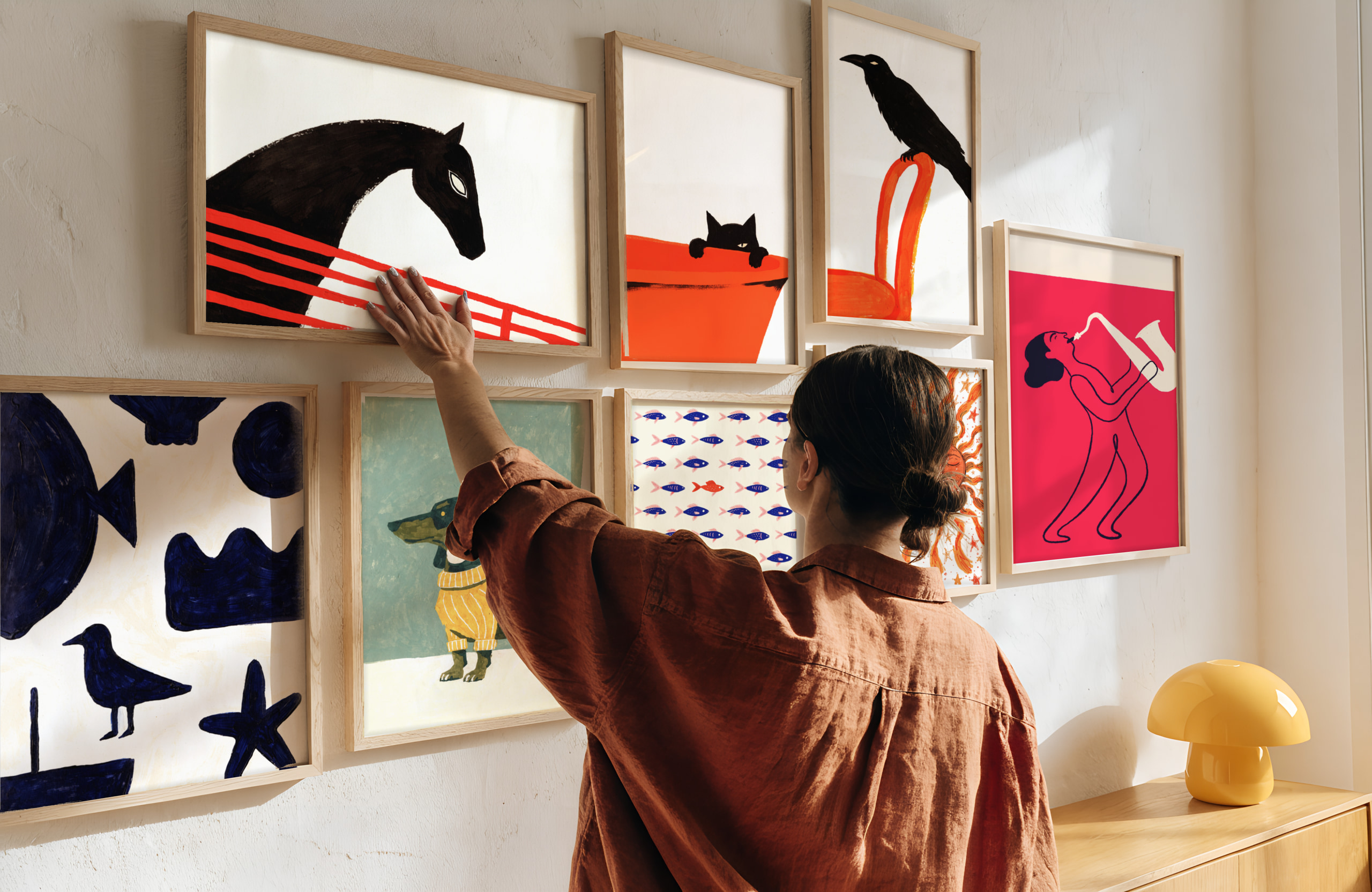
Woman hanging a framed print on a gallery wall with a horse print
Photo of a smiling woman with red lipstick
Ursula K. Le Guin
@ekphrasis_whispers
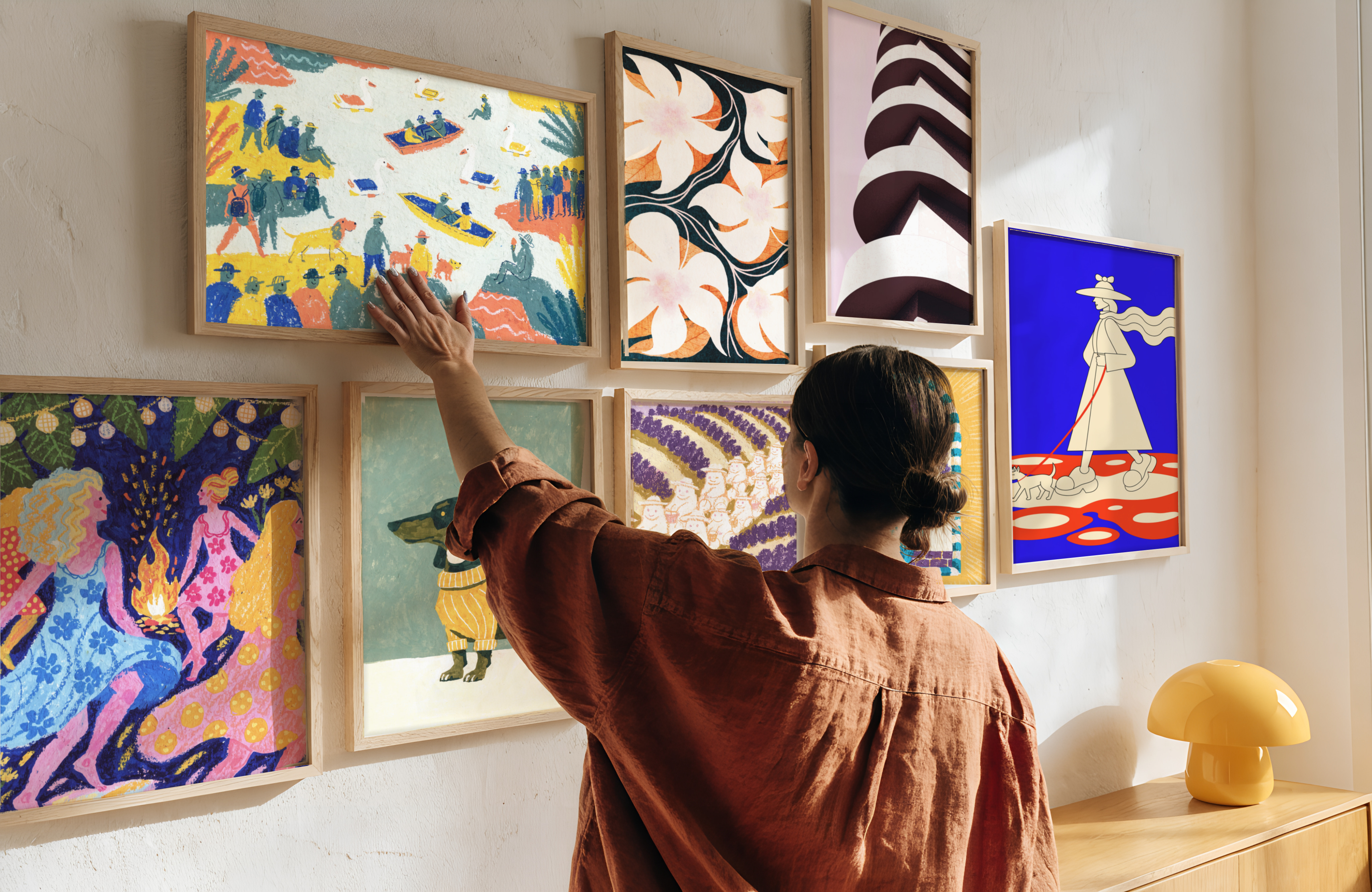
Woman hanging a framed print on a wall of illustrated prints
Portrait of a woman with flowers in her hair
Frida Kahlo
@friducha_paintsyou
Woman adjusting a framed print on a gallery wall above a sideboard
Photo of a laughing woman in a plaid shirt
Krystyna Czubówna
@krysti_99
Gallery wall of framed prints above white shelves
Portrait of a woman in a red top
Simone de Beauvoir
@simone.db_1949
Gallery wall of framed prints above a sofa with cushions
How it works

Plan a gallery wall online in  four steps 

01

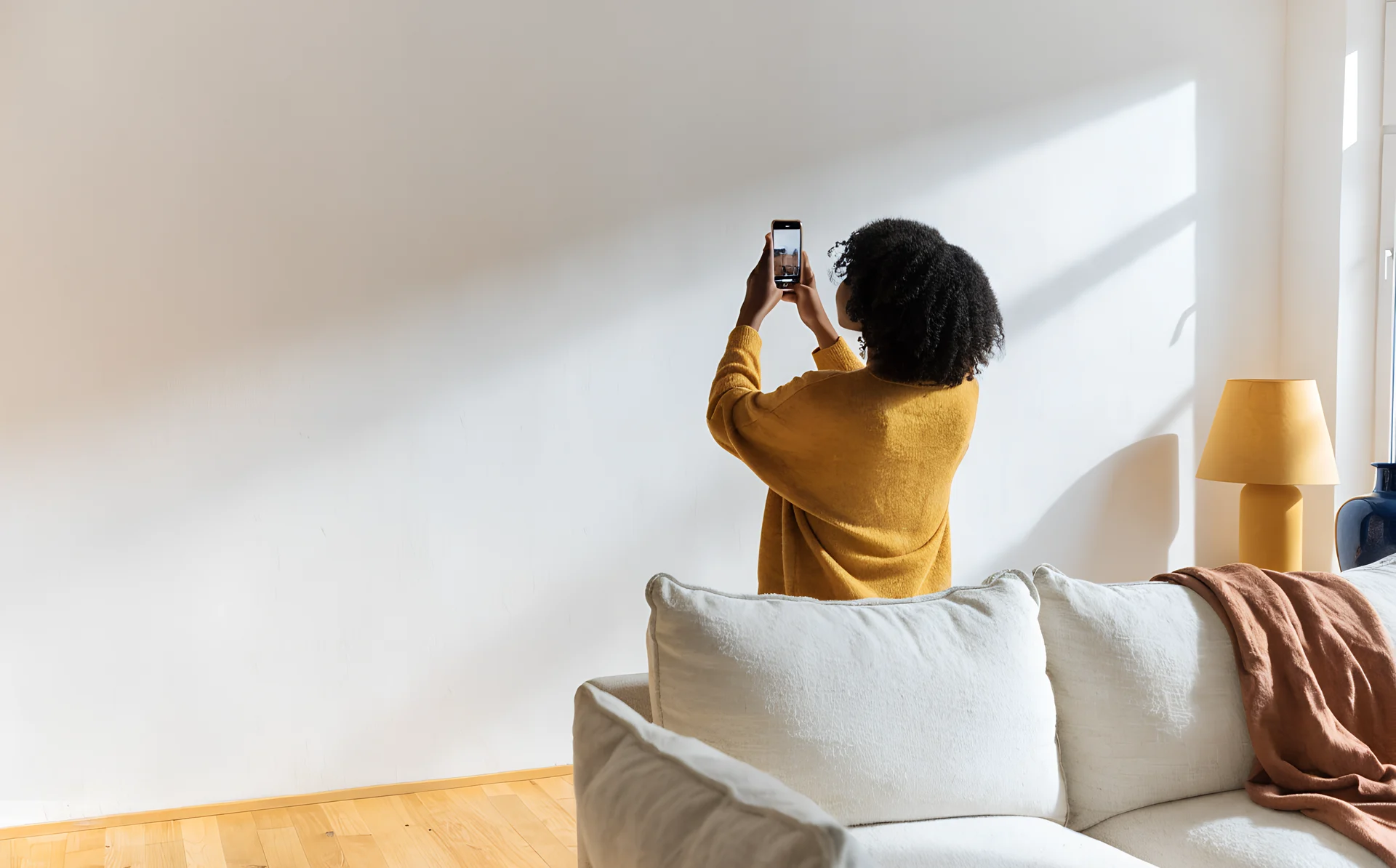
Choose a ready-made room or upload a photo

Any phone photo works, or start in one of nine ready-made rooms. Draw round a light switch so the frames land in proportion.

02

Pick a layout, or place every frame yourself

Over 60 layouts for small walls, big walls, hallways and staircases, or a gallery wall template in one of eight styles.

03

Let it suggest prints, or use your own

The AI reads your room's colour, light and style, then suggests prints to match. Swap any for your own.

04

Check it on the wall before you buy

Hold your phone up to see the wall where it will hang, then save the measurements before you order.
Plan my wall
First room free. No account needed.
What does Curate cost?

Planning with your own photos is free in every room. AI print suggestions are free in your first uploaded room, then £2.99 for one more room or £9.99 for ten, paid once. You buy prints from the shops that sell them.

Do I need an account?

Not to plan. Open the planner and start straight away. You need one to buy AI print suggestions for a room, or to save a wall and pick it up later on another device.

What do I need to get started?

Nothing to install, and you don't need a photo. Curate is an online gallery wall planner that runs in your browser on phone, tablet and desktop. Start in a ready-made room, or add a photo of your own wall.

Can I use Curate on my phone?

Yes. Curate runs in your phone's browser, so there's nothing to install. Take the room photo with your camera, arrange the wall, and see it in AR on iPhone or Android. On a computer you get a bigger canvas, and you can send a wall from your phone to your laptop as a link.

Is there an app to download?

No. Curate works in the browser on your phone, tablet or computer. Tap Plan my wall to start. Your first room is free and you don't need an account.

What happens to the photo of my room?

It goes to one outside AI service, Anthropic's Claude, which keeps it for 30 days for safety checks and never uses it to train AI. Nothing that names you goes with it, and the AI's notes stay with your room until you delete the room. AR camera frames are never stored or sent. Rather not upload? Use a ready-made room.

How accurate is the scale?

Close enough to see whether a print fits and how the whole wall will look. Curate sizes each piece from a reference in your photo, such as a light switch, and shows the measurements as you arrange. Measure the wall itself before you drill.

How does the AR preview work?

Plan the wall, then open it on your phone and point the camera at the wall. The layout appears where it would hang, so you can stand back and judge it before you spend anything.

How do I choose a gallery wall layout?

Start from a template, or let the AI suggest one for your room. A grid suits symmetrical spaces and matching frames; a salon hang suits larger walls and mixed sizes. Try several before you commit.

How much space should I leave between frames?

Two to three inches, or 5 to 7.5 cm, works for most gallery walls. Curate applies even spacing for you and shows the gap as you drag, so you can tighten or open it up and see the effect. The gallery wall calculator turns that gap into the total width of the group and the position of every hook.

What size frames work best?

Mix two or three standard sizes, such as 8x10, 11x14 and 16x20, around one larger anchor like a 24x36 (61x91 cm). Aim for the whole arrangement to span 66% to 75% of the furniture beneath it. Curate shows every option in your own room, so you can compare before you order.

Can I start from a gallery wall template?

Yes. Pick a template, drop your prints into it, then move anything you want.

Can I plan around a sofa or a staircase?

Yes. You work inside a photo of the real room, so sofas, staircases, radiators and light switches stay where they are and you plan around them.

How high should I hang a gallery wall?

Centre the whole grouping 57 inches (145 cm) above the floor. Treat the cluster as one rectangle, find its centre, and put that centre at 57 inches. It is the gallery standard and it lands the art at eye level. Hanging too high is the common mistake, so if you are unsure you are aiming above the mark, not below. The gallery wall calculator works the hook height out from your own frame sizes.

Do I buy prints through Curate?

Not yet. You buy from whichever store sells them. Buying from several stores in one place is coming.

Can I use prints I already own?

Yes. Enter the dimensions of anything you already have and it sits in the layout beside new pieces, so you can plan around what is already on the wall.

Can I upload my own photos?

Yes. Family photos work like prints. Upload them, choose a size, and see them on the wall next to everything else.

Can I match my existing frames?

Yes. Choose Natural Oak, Dark Wood, Black, White or Brass, set the border thin, medium or thick, and add a mount if yours has one. The wood finishes render with the grain and brass with a metallic sheen, so it reads like the frame you own rather than a flat colour.

What if it looks wrong once it is up?

That is what the AR preview is for. Check the wall in place before you order. Changing a layout on screen costs nothing; changing it afterwards means more holes.

Can I share a wall with someone else?

Yes. Send a link and they can open your layout in their browser, no account needed. Useful for agreeing on a wall before anyone spends money.

Free to plan

Get your gallery wall & family photos right the first time

Upload a photo of your room, arrange prints on the wall and preview the whole thing in AR before you buy or hang anything.

Free to plan

Get your gallery wall & family photos right the first time

Upload a photo of your room, arrange prints on the wall and preview the whole thing in AR before you buy or hang anything.