How to choose which family photos to print for the wall

To choose which family photos to print, decide the wall's story first, then let your layout cap the number, then shortlist two to three times that many shots and cut hard. The story is the filter and the frame count is the limit. That combination ends the paralysis faster than scrolling your camera roll for the hundredth time.
If you have ever sat with a thousand photos open and frozen, you are not unusual. Photographer Lucille Khornak puts the tension plainly: "You love all your family photographs, but not all of them can go on the wall." Designer Kelly McPhail names the same wall: "The sheer volume of those images can paralyze us... What differentiates wall-worthy art from a candid snap?" A mother documenting a staircase project on Bless'er House said the hardest part "is figuring out what photos to print because my mama heart just wants to scream I WANT THEM ALL."
This post gives you a method that answers that question. Work through the six steps below and you will end with a shortlist you can hang instead of a folder you keep reopening.
Why is it so hard to choose which family photos to print?
It is hard because you have far too many photos and almost no practice printing any of them, so every choice feels like rejecting a memory. There is a deeper blocker too, which most people never name: the belief that a photo has to earn the wall before it deserves a frame. Both forces freeze you at the same point.
The numbers show the hoarding habit clearly. A Mixbook and YouGov survey of 2,485 US adults in September 2025 found 48% have more than 1,000 photos on their phones, yet only 18% printed any smartphone photo in the past three months. We collect and rarely commit, so the camera roll keeps growing while the wall stays bare. For why digital photos so rarely make it to print, the what size to print photos for your wall post goes deeper.
The frame-worthy belief does the rest of the damage. The blog Our Fifth House names it as "thinking that a photo needs to be frame-worthy to be framed and hung". You hold every shot up against an imaginary studio portrait, and most real photos lose, so you print nothing.
Drop that test. The candid where someone is mid-laugh, the slightly blurry one from a birthday, the ordinary Tuesday morning: these are often the photos people love most once they are on the wall. A photo does not have to be perfect to be framed. It has to mean something to you, and that one permission slip unblocks more walls than anything else in this method.
A 6-step method for choosing which family photos to print
The fastest way to choose family photos is to follow a fixed sequence: set the story, cap the count, mix shot types, shortlist wide, unify what clashes, then print the right files at the right size. Each step removes one source of paralysis, so by the end the decision is largely made for you. Here is the method in full.
1. Decide the wall's story first
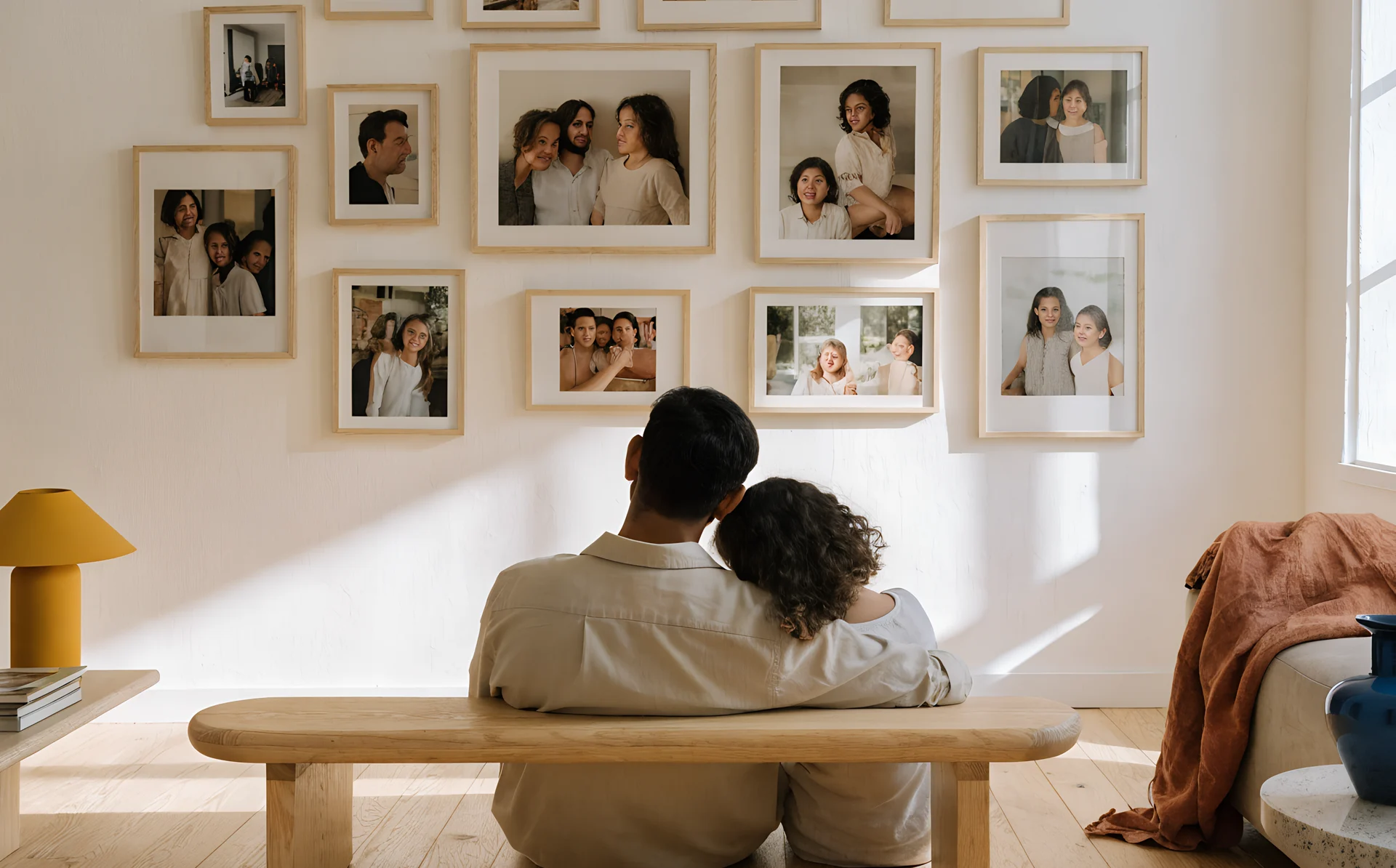
Pick one story before you pick a single photo. A wall can tell one year, one trip, the children growing up, or a multi-generational family line back through grandparents. The story is your filter: any photo that serves it is a candidate, and any photo that does not, however lovely, goes back in the folder.
Without a story you are judging every image against every other image at once, which is exactly what freezes people. With a story you ask one simple question of each photo: does this belong to what I am telling? That is a yes or no, not an agonising ranking.
If you want a display that spans generations rather than one moment, our family photo wall ideas post covers how to build a legacy wall specifically.
2. Let the layout cap the count
Choose your layout, count the frames, and that number is how many photos you keep. A nine-frame grid means you choose nine, full stop. A hard ceiling turns an open-ended cull into a fixed task with a finish line.
This is where most curation stalls. People keep "narrowing" without ever committing to a total, so the shortlist never shrinks. Fix the number first and every later cut has a clear job: get from your shortlist down to exactly the slots you have.
How many slots you have depends on the wall and the furniture below it. For the count and frame sizes, see gallery wall sizes; to choose the arrangement itself, see gallery wall layouts.
3. Mix shot types for texture
Fill your slots with a mix rather than nine of the same thing. A good family wall usually runs a few hero portraits, several candids, and a couple of detail shots: a pair of hands, a doorway, an object that matters. Variety in distance and subject is what makes a wall feel alive rather than like a row of passport photos.
The table below shows one workable split for a nine-frame wall. Treat it as illustration, not a rule.
| Shot type | What it is | Example share of a 9-frame wall |
|---|---|---|
| Hero portrait | A clear, posed or strong shot of a person or the group | 2 to 3 frames |
| Candid | Unposed, in-the-moment, often imperfect | 4 to 5 frames |
| Detail shot | Hands, a place, an object, a close-up | 1 to 2 frames |
Use the shares as a starting point rather than a quota. The aim is contrast: if every photo is shot from the same distance with everyone looking at the camera, the wall reads flat no matter how good each picture is on its own.
3.1. What if all your photos are posed portraits?
Go and take three or four detail shots this week to break it up. Photograph a child's hands, the family table, a worn pair of shoes by the door, the view from a window that matters. They take minutes, they cost nothing, and they give a portrait-heavy wall the texture it is missing.
4. Shortlist wide, then cut hard
Pick two to three times your number of slots, then cut without mercy. For a nine-frame wall, gather a longlist of roughly twenty to thirty as an example, then start removing. The two-pass approach works because choosing is easier than rejecting: a generous first pass feels safe, and the cutting happens against a shortlist you already like.
When you cut, go after duplicates first. You almost certainly have three near-identical frames of the same moment; keep the single best and delete the rest from the shortlist. Then remove anything that repeats a subject or angle you have already covered. Near-duplicates are where the quickest, most painless cuts live.
5. Unify what clashes
If your shortlist spans different eras, phones and cameras, converting the lot to black and white pulls it together. As an example, a wall mixing a 1980s film snap, a 2009 compact-camera shot and a 2024 phone photo can look like a jumble in colour, because the colour science of each era fights the others. Black and white removes that clash in one move.
This is a real decision with a trade-off, and it is not an automatic win. Colour keeps warmth and the period feel of each photo; black and white buys cohesion and a more formal, timeless look. We weigh both sides in black and white vs colour family photos, so read that before you convert everything by reflex.
6. Print the original files, not social downloads
Always print from the original camera or phone files, never from a photo you saved off Instagram, WhatsApp or Facebook. Those platforms compress images heavily, so a download that looks fine on a screen can turn soft or blocky once it is printed at any real size. Find the source file before you order.
Size matters as much as source. A file big enough for a 6 by 4 inch (15 by 10 cm) print may fall apart at A3. What size to print photos for your wall covers the resolution you need at each size and the social-media compression trap in detail.

How do you know how many photos actually fit?
You find out before you print by laying your shortlist out on a photo of the real wall. Frame counts on paper are easy to overestimate, and ordering eleven prints for a wall that holds eight, to take one example, is a common and costly mistake. Seeing the photos on the actual wall settles the number for you.
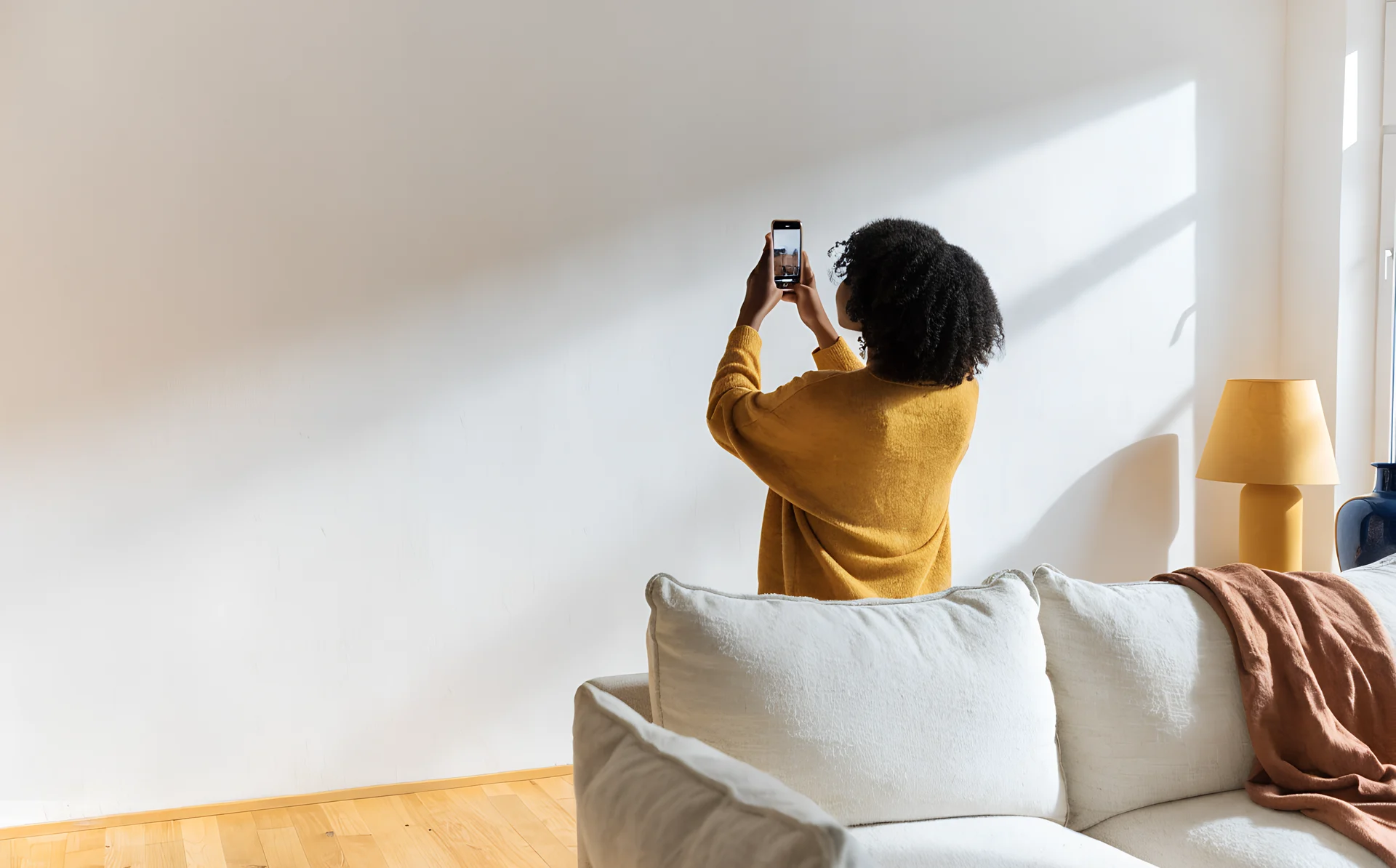
This is the gap between a guessed plan and a confident one. With Curate you upload a photo of your wall, drop your shortlisted photos onto it, and rearrange until the count and the spacing look right. You can see how many fit, and trim the shortlist to match, before you spend anything on prints or frames.
That same preview answers the related worries: whether the gaps look even (see gallery wall spacing) and whether the wall has tipped into busy (see our fix for a gallery wall that looks cluttered).
Frequently asked questions
How many family photos should I put on a gallery wall?
Let your layout decide. Choose the arrangement first, count the frames, and that is your number. A nine-frame grid means nine photos. Fixing the count before you choose stops the endless narrowing that makes curation feel impossible.
Should family photos be black and white or colour?
Colour keeps warmth and each photo's period feel; black and white unifies shots taken across different eras and cameras. If your shortlist clashes in colour, convert it. If it already sits well together, colour is fine. See our dedicated black and white vs colour post for the full comparison.
Can I print photos from Instagram or WhatsApp for my wall?
It is best not to. Those apps compress images heavily, so saved downloads often print soft or blocky at any real size. Track down the original file from your camera or phone instead, then check it is high enough resolution for the print size you want.
What if I love too many photos to choose?
Give yourself permission to drop the "frame-worthy" test, then shortlist two to three times your number of slots and cut duplicates first. Keeping a photo off this wall does not throw the memory away. The rest stay safe in your folder for the next one.
Which photos look best on a wall, posed or candid?
A mix. Most family walls work best with a few hero portraits, several candids, and a couple of detail shots like hands or a meaningful place. Candid, slightly imperfect shots are often the ones people connect with most once they are framed.
Pick your story, cap the count, and lay your shortlist out on a photo of your actual wall before you order a single print. Seeing the layout on screen tells you how many fit, so you order the right number rather than guessing. Try the Curate planner and see how many of your favourites fit.