What size to print photos for your wall without blur
An ordinary 12-megapixel phone photo prints cleanly at 16x20 inches (41x51 cm) or larger on a wall, because wall art is viewed from across the room and needs far fewer pixels per inch than a print held in your hand. Working out what size to print photos for your wall is mostly a question of viewing distance, not megapixels, and most people get it wrong by aiming too small.
How big can I print my phone photo without it looking blurry?
A standard phone photo prints sharp at 16x20 inches (41x51 cm) and often much larger, as long as you print the original file. The rule that trips people up is "300 DPI", and it does not apply to wall art. The print looks blurry only if you enlarge it well past the size its pixels support, or if you print a compressed copy from a social app instead of the camera-roll original.
The 300 DPI standard exists for prints you hold at arm's length: a wedding album, a 6x4 in your wallet, a magazine page. At that distance your eye resolves fine detail, so the file needs roughly 300 pixels packed into every inch. A photo on your wall is seen from three to five feet away (about 1 to 1.5 metres), or from across the room. From there your eye cannot resolve anything close to 300 pixels per inch, so the same file stretches much further before any softness shows.
PhotographyIcon ran a blind test that makes the point hard to argue with. Viewers were shown the same image printed at 110 PPI and at 208 PPI, at a large 33 by 20 inches (84 by 51 cm), and according to PhotographyIcon they "could barely tell them apart, even from just one foot away". One foot is closer than anyone stands to a framed print. At normal wall distance the difference vanishes.
What PPI do you actually need for a print?
You need about 300 PPI only for small prints held close. For wall art, 150 to 200 PPI is the target, and oversize pieces seen from across the room work fine at 100 to 150 PPI. PPI (pixels per inch) describes how tightly the pixels in your file are packed once it is printed at a given size, so the right number depends on how close the viewer stands.
| Print use | Viewing distance | Target PPI | Notes |
|---|---|---|---|
| Small print or photo book (4x6 to 8x10 in / 10x15 to 20x25 cm) | Held in hand, arm's length | About 300 PPI | The classic standard, for close viewing only |
| Standard wall print (11x14 to 20x30 in / 28x36 to 51x76 cm) | 3 to 5 ft (about 1 to 1.5 m) | 150 to 200 PPI | PhotographyIcon-style guidance: virtually indistinguishable from 300 PPI on a wall |
| Oversize print (24x36 in / 61x91 cm and larger) | Across the room | 100 to 150 PPI | Large pieces are seen from further back, so they need fewer pixels per inch |
The takeaway from that middle row is the one most people miss. For a print on your wall, 150 to 200 PPI is, in practice, indistinguishable from 300 PPI. Insisting on 300 PPI for a framed photo throws away most of the size your file could reach.
The formula: how to work out your largest print size
Two pieces of arithmetic answer every version of this question. To find the PPI of a planned print, divide the longest pixel dimension of your photo by the longest side of the print in inches. To find the largest size you can print, divide the longest pixel dimension by your target PPI. No app required.
PPI = longest pixel dimension / longest print side (inches)
Largest print side (inches) = longest pixel dimension / target PPI
Worked example with a typical phone photo. A 12-megapixel image is about 4032 x 3024 pixels.
- At 300 PPI: 4032 / 300 = 13.4 inches on the long side, so it prints about 13.4 x 10.1 inches (34 x 26 cm). That is the close-viewing limit.
- At 150 PPI: 4032 / 150 = 26.9 inches on the long side, so it prints about 26.9 x 20.2 inches (68 x 51 cm). That is the wall limit.
So the same everyday phone photo that "only" makes a 13x10 print by the strict 300 PPI rule makes a 16x20 (41x51 cm) on your wall, with pixels to spare. Nothing about the file changed; only the viewing distance did.
How many megapixels for each print size?
The table below converts common camera and phone resolutions into a realistic largest print size, with one column for wall art at 150 PPI and one for close-up prints at 300 PPI. Find your camera's megapixel count and read across.
| Camera resolution | Pixel dimensions | Wall print (150 PPI) | Close-up print (300 PPI) |
|---|---|---|---|
| 6 MP | 3000 x 2000 | About 20 x 13 in (51 x 33 cm) | About 10 x 6.7 in (25 x 17 cm) |
| 12 MP (typical phone) | 4032 x 3024 | About 27 x 20 in (69 x 51 cm) | About 13 x 10 in (33 x 25 cm) |
| 24 MP | 6000 x 4000 | About 40 x 27 in (102 x 69 cm) | About 20 x 13 in (51 x 33 cm) |
| 48 MP | 8000 x 6000 | About 53 x 40 in (135 x 102 cm) | About 27 x 20 in (69 x 51 cm) |
A 12-megapixel phone, the kind most people carry, reaches a 27 by 20 inch (69 by 51 cm) wall print before PPI even drops to 150. A modern 48-megapixel phone clears 50 inches (127 cm) on the long side. Blurry phone prints are far more often a file problem than a resolution problem.
The social-media trap: never print from Instagram or Facebook
Never print from a photo you downloaded out of Instagram or Facebook. These platforms compress and shrink images on upload, so the file you save back from the app is a fraction of the original. Instagram's version tops out at roughly a usable 3x3 inches (8x8 cm), and Facebook's at around 5x7 inches (13x18 cm). Those limits are stricter than the 150 PPI wall rule because a compressed file shows its blocky artefacts as soon as it is enlarged.
This is the real cause of most disappointing enlargements. The photo on your wall looks soft, the photographer blames their phone, and the actual culprit is a 1080-pixel-wide copy that lost most of its data the moment it was posted. The original sitting in your camera roll is several times larger and prints sharp.
The fix is straightforward. Always print from the original file in your camera roll or photo library, not the version you saved out of a social app, a messaging thread, or a screenshot. If a relative sends you a treasured photo, ask them to share the original ("send as file" or an album link) rather than a chat-app copy, which is often re-compressed in transit.
Why so few of us actually print our photos
Most of us hoard photos and print almost none of them. A Mixbook and YouGov survey of 2,485 US adults in September 2025 found that 48% have more than 1,000 photos on their phones, yet only 18% had printed any smartphone photo in the past three months, and 31% have never printed one at all. The pictures are taken. They simply never make it onto a wall.
Part of that is the technical worry this article has just dismantled. The rest is emotional, and it deserves naming as plainly as the maths.
"I love them all, so I cannot choose"
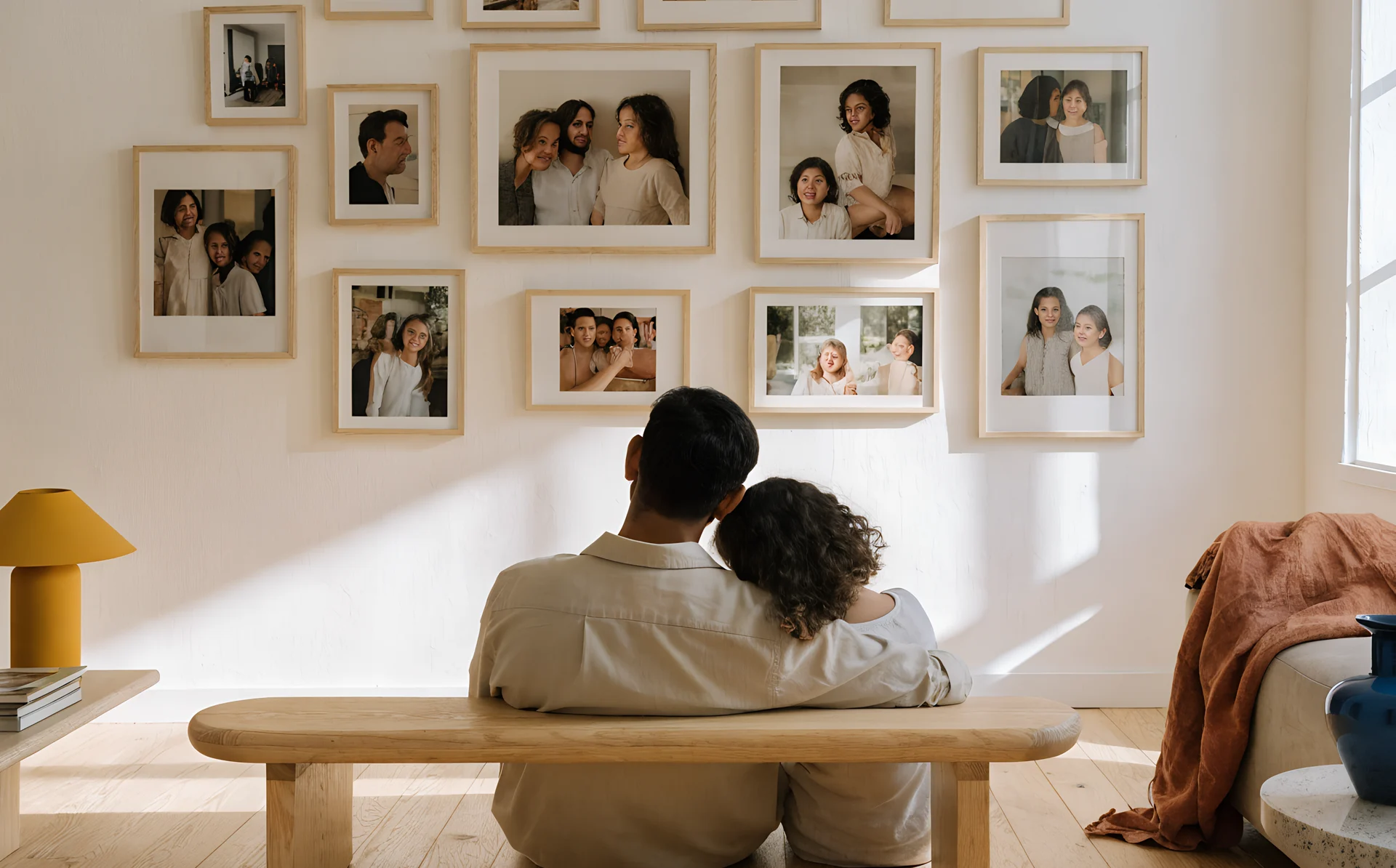
The hardest part of a family gallery wall is usually deciding what makes the cut, and the honest answer is that not everything has to. Photographer Lucille Khornak puts the constraint simply: "You love all your family photographs, but not all of them can go on the wall." Accepting that is what gets the project moving.
The feeling is real and widely shared. On a staircase gallery project documented by Bless'er House, one mother said the hardest part "is figuring out what photos to print because my mama heart just wants to scream I WANT THEM ALL." If you have felt that, you are in good company.
There is also a quieter belief worth dropping. The blog Our Fifth House names the real blocker as "thinking that a photo needs to be frame-worthy to be framed and hung". The slightly blurry candid, the one where someone is laughing too hard to look at the camera, the ordinary Tuesday at the kitchen table: these are often the ones you will love most on the wall, and none of them needs to be a perfect portrait to earn a frame.
A quick fix for mismatched photos
If your favourites clash in colour, lighting and era, convert them to black and white. Interior designer The Decorologist recommends black and white for large or formal groupings because it unifies photos shot on different cameras, in different decades, under different light. For a casual, lived-in room, she suggests keeping the colour. A mixed set of snapshots that looked chaotic in colour will often read as one calm, intentional collection in monochrome.
See the size before you commit
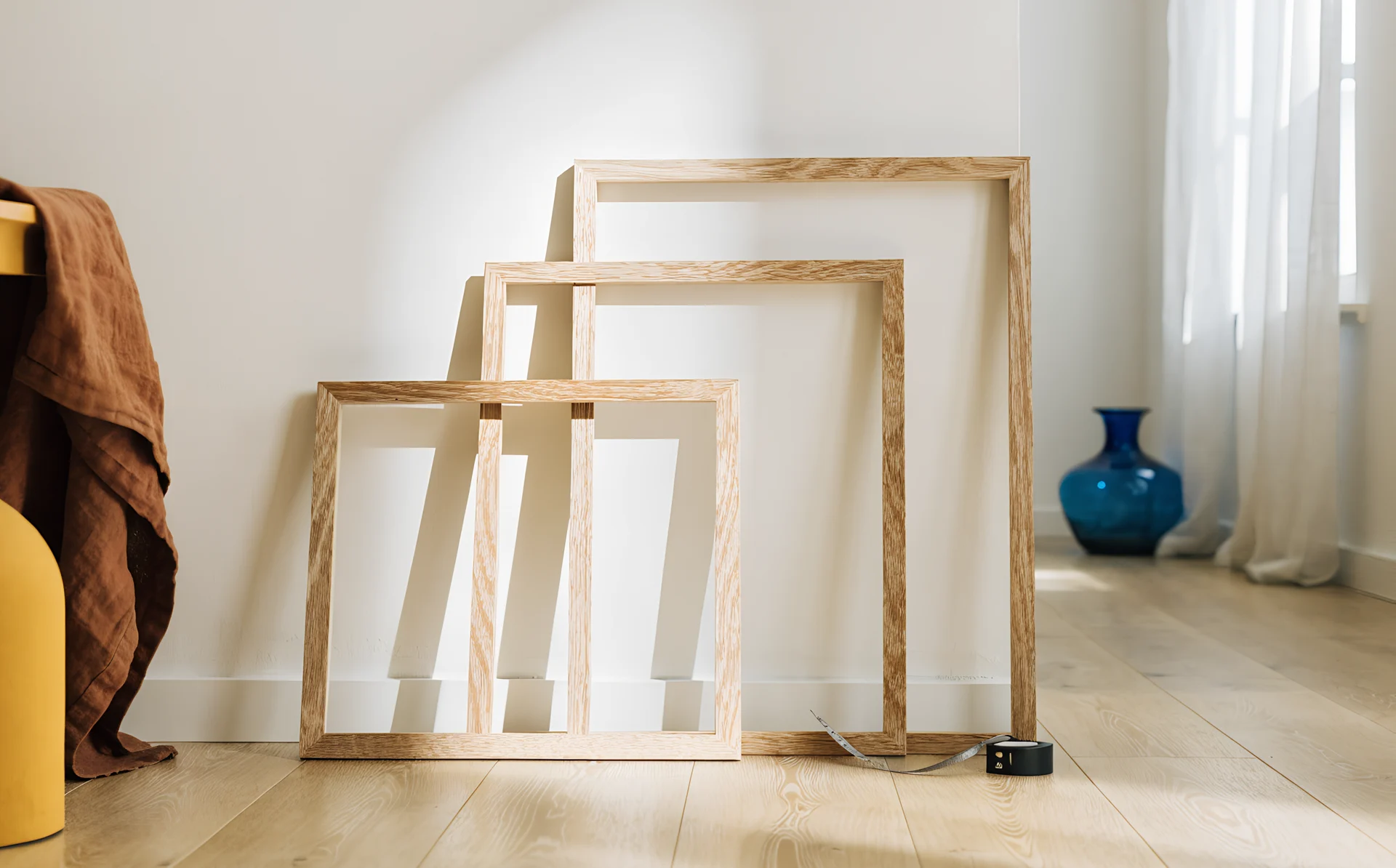
The most common regret with printed photos is ordering too small, then watching a 12x8 (30x20 cm) float lost on a wide wall. Blur barely figures. Because viewing distance already lets you print bigger than you think, the safer mistake is almost always to go larger.
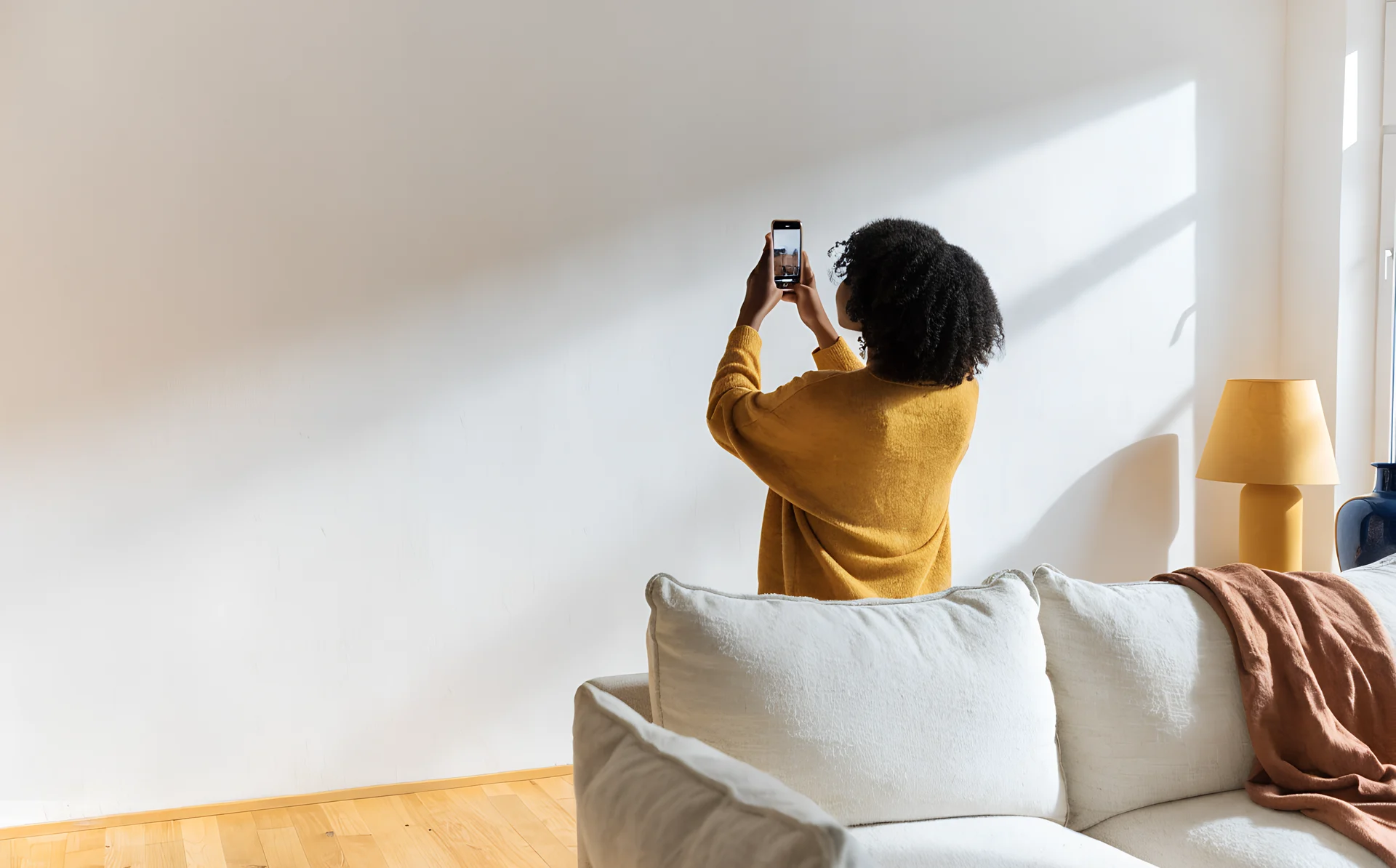
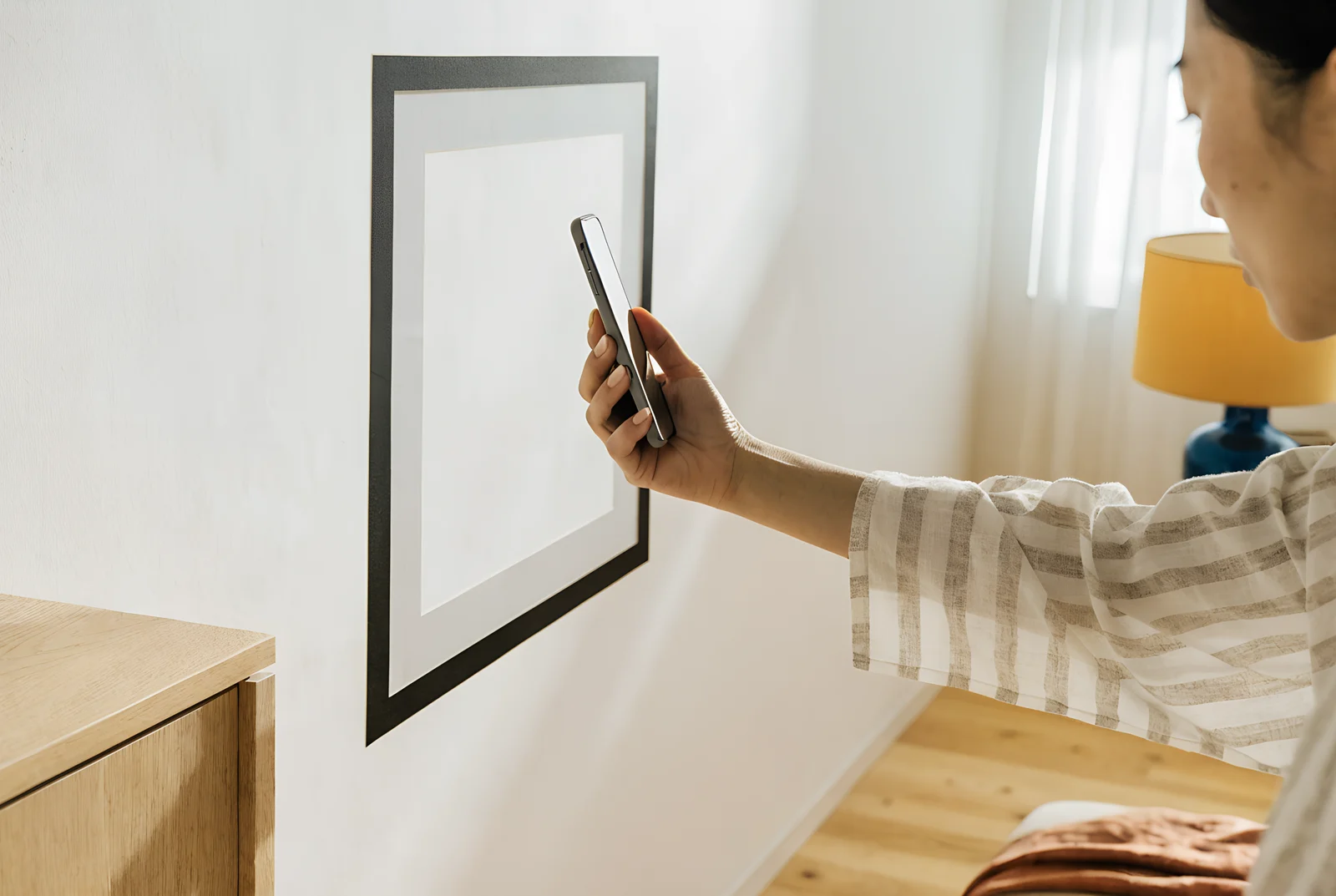
This is the step where it helps to look before you buy. Before you commit to a print size, try the photo on a picture of your actual wall, so you can judge whether a 16x20 (41x51 cm) holds the space or whether you want 24x36 (61x91 cm). That is what the Curate planner is for: you upload a photo of your wall, drop your prints onto it, and preview the arrangement (including in AR on your phone) before ordering. If you run a print shop, the same preview is something you can offer your own customers so they size confidently and order once.
For where to hang the finished pieces, see our guides on how high to hang a gallery wall and how to plan a gallery wall.
Frequently asked questions
Is 300 DPI necessary for wall art?
No. 300 DPI is the standard for prints held at arm's length, such as photo books and small portraits. Wall art is viewed from three to five feet away (about 1 to 1.5 metres), where 150 to 200 PPI looks virtually identical to 300 PPI.
How big can I print a 12-megapixel phone photo?
A 12-megapixel photo is about 4032 x 3024 pixels, which prints about 13 x 10 inches (33 x 25 cm) at 300 PPI for close viewing and about 27 x 20 inches (69 x 51 cm) at 150 PPI for a wall. In practice it prints cleanly at 16x20 inches (41x51 cm) or larger.
What is the best resolution for wall art?
For standard wall prints, 150 to 200 PPI is the best target. Oversize prints viewed from across the room work well at 100 to 150 PPI, so you do not need 300 PPI for anything that hangs on a wall.
Why does my printed photo look blurry?
The usual cause is printing a compressed copy saved from Instagram or Facebook, which caps usable size at roughly 3x3 inches (8x8 cm) and 5x7 inches (13x18 cm). Always print from the original file in your camera roll, not a social or messaging copy.
How do I work out the largest size I can print?
Divide your photo's longest pixel dimension by your target PPI. For a wall print, divide by 150: a 6000-pixel-wide file gives 6000 / 150 = 40 inches (102 cm) on the long side. Before you order, check the size against a photo of your own wall, since ordering too small is the most common regret.
Before you buy, drop your chosen photo onto a picture of your own wall to see whether it fills the space. You can do that free in the Curate planner, and print retailers can offer the same preview to their own customers.