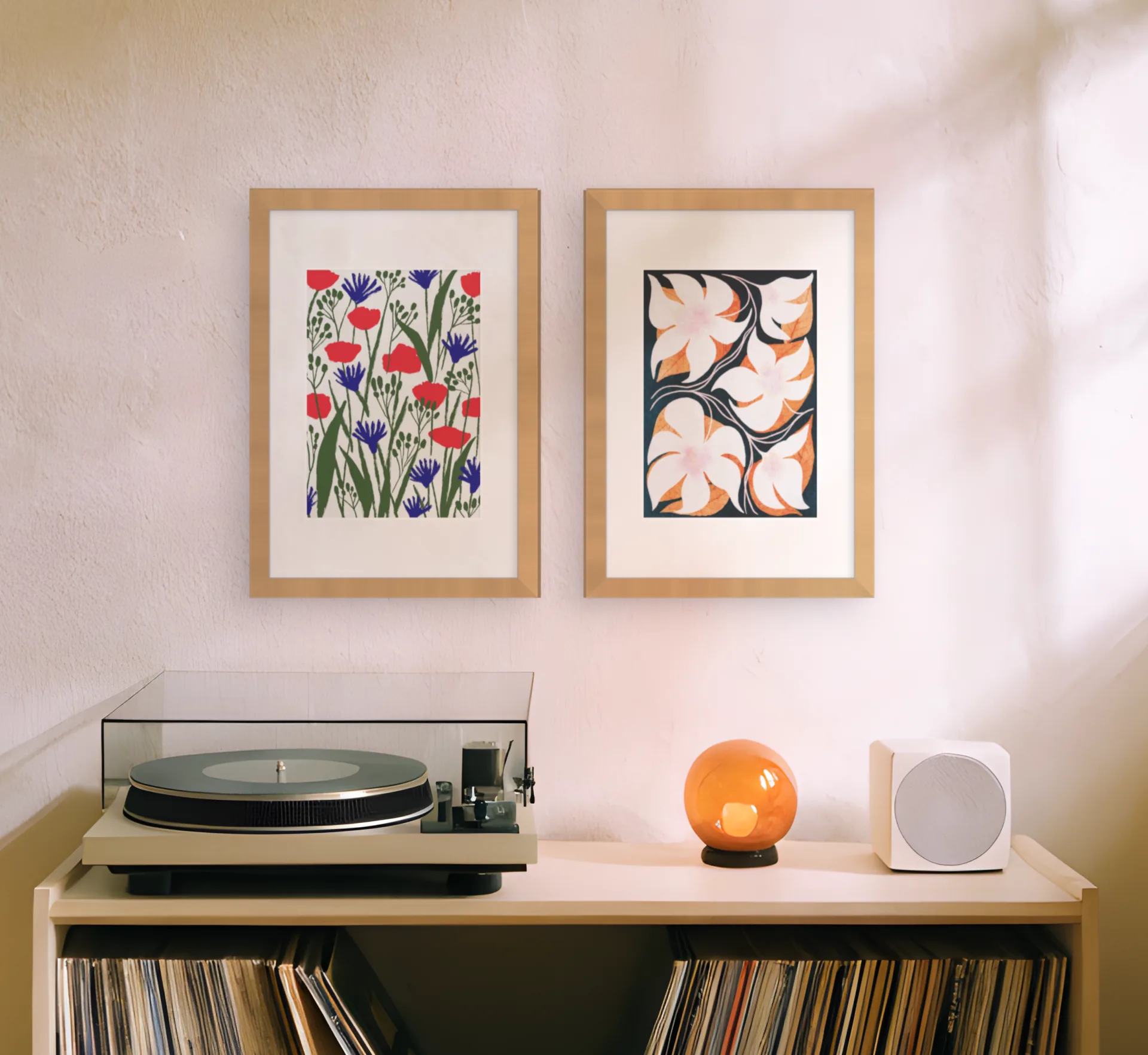
The gallery wall visualizer that uses your own wall
Upload a photo of your wall. Curate reads the room, suggests prints that suit it, and sizes every one against your own furniture. Check the finished wall in AR before you buy a frame.
No photo yet? Start in a ready-made room.
Four steps from a phone photo to a wall you can order
Nothing to install and no account to make. The gallery wall visualizer opens in your browser and walks you through the same four steps every time.

01
Upload a photo of your wall
Any phone photo taken straight on. No photo to hand? Start in one of nine ready-made rooms and swap yours in later.
02
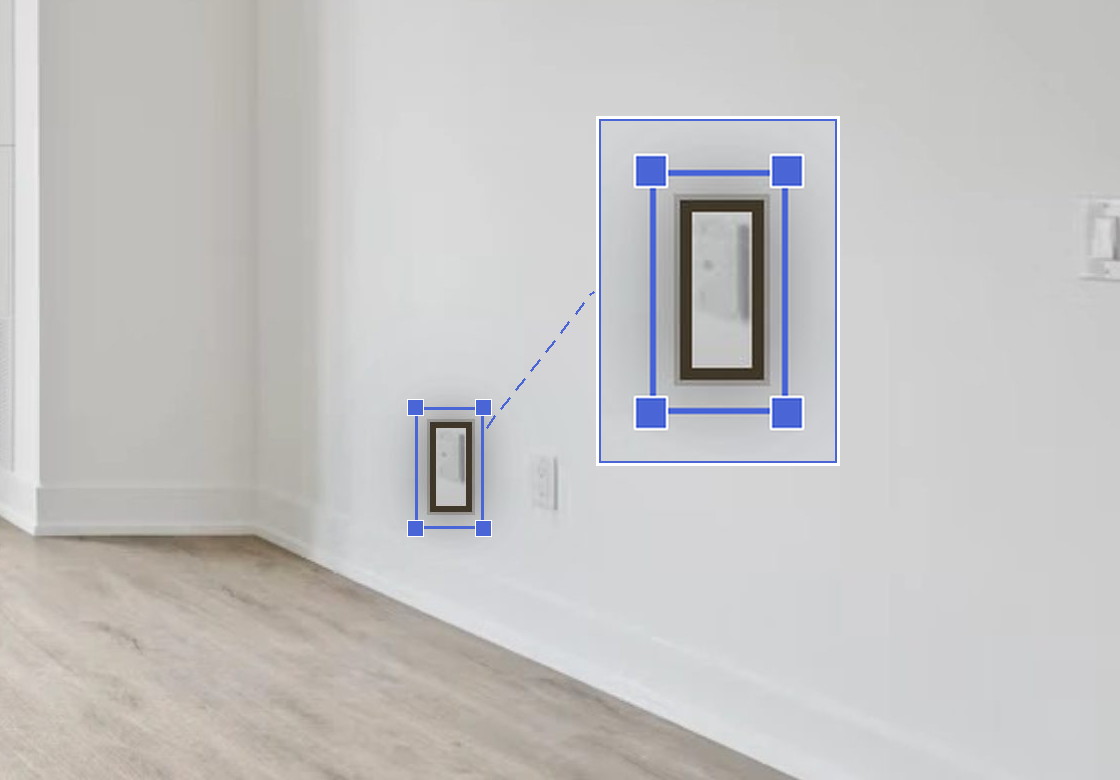
Draw round a light switch or power socket
Trace a light switch, a socket or a sheet of A4. Curate uses it to size every print against your sofa and your ceiling.
03
Place prints, or pick a layout
Drag prints onto the wall, or start from one of 60+ layouts. Drop your own photos into the frames you already own.
04
Check it in AR, then order
Open the plan on your phone and hold it up to the wall. Walk round it, then save the measurements and buy the frames last.
An artwork viewer that puts every print on your own wall
From that one reference, Curate sizes every print, so you can see whether three prints fit above the sofa or one large one sits better.


The whole wall at once, with even gaps
Start from one of 60+ layouts or place each frame yourself, and see the whole group on your wall at once.
Need the numbers first? Try the gallery wall calculator or the gallery wall layout planner.
Your own photos in the frames you already have
Drop your own photos into the layout, in the frames you own or the sizes you plan to order, and see the family wall together before you print anything.
Planning a wall of family photos? Start with the family photo wall planner, or read what size to print photos for your wall.

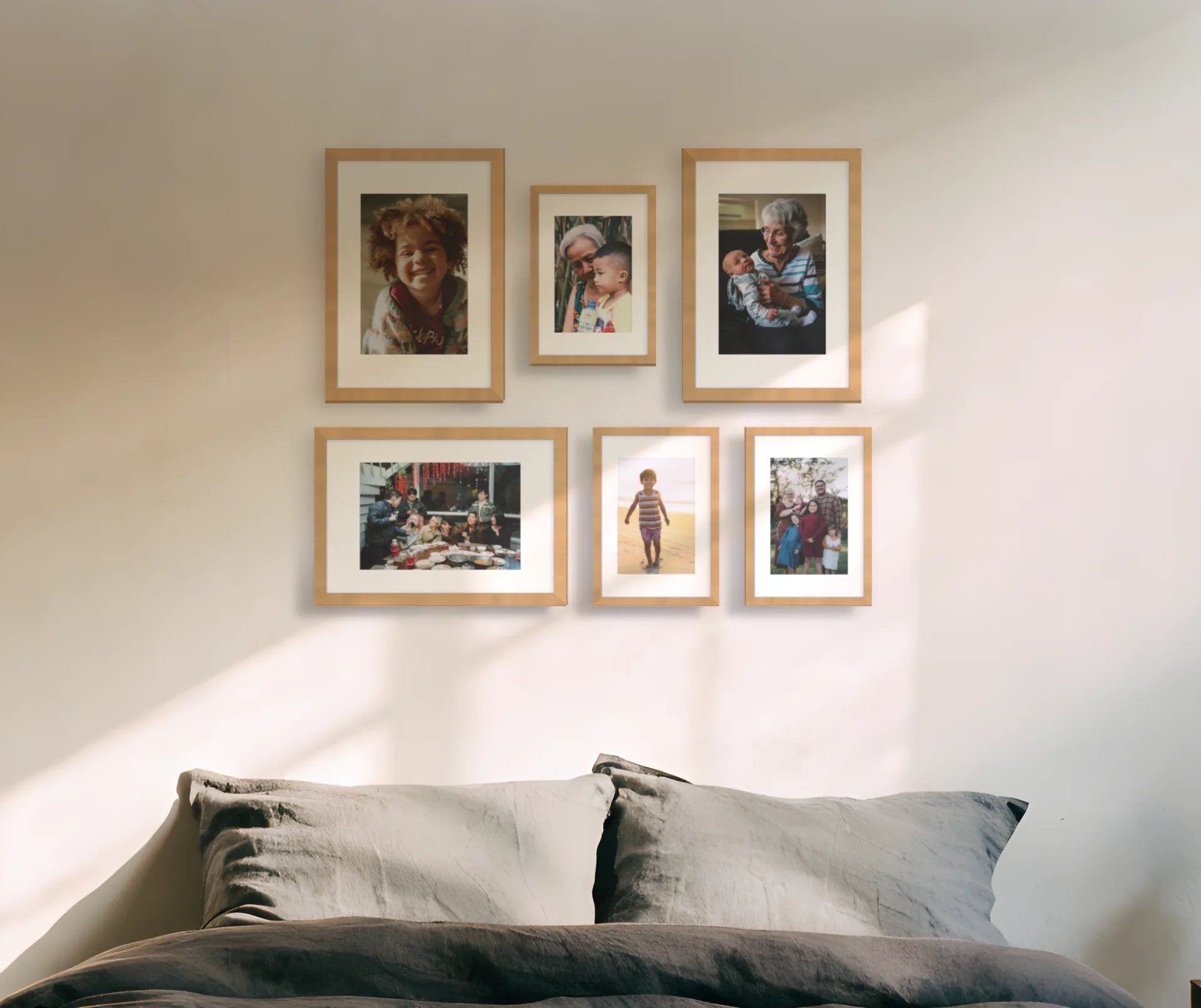

Check it on the wall in AR, then buy the frames last
Open the plan on your phone and hold it up to the wall. The whole wall sits where it will hang, so you can walk round it and change your mind before anything goes into the plaster.
Prints that suit the room in your photo
The same photo tells Curate your wall colours, the wood and metal already in the room, and the light. Take its suggestions, or ignore every one and pick your own.
AI print suggestions are the paid part, and your first uploaded room gets them free. Your own photos are free in every room. The privacy page explains what happens to your photo.
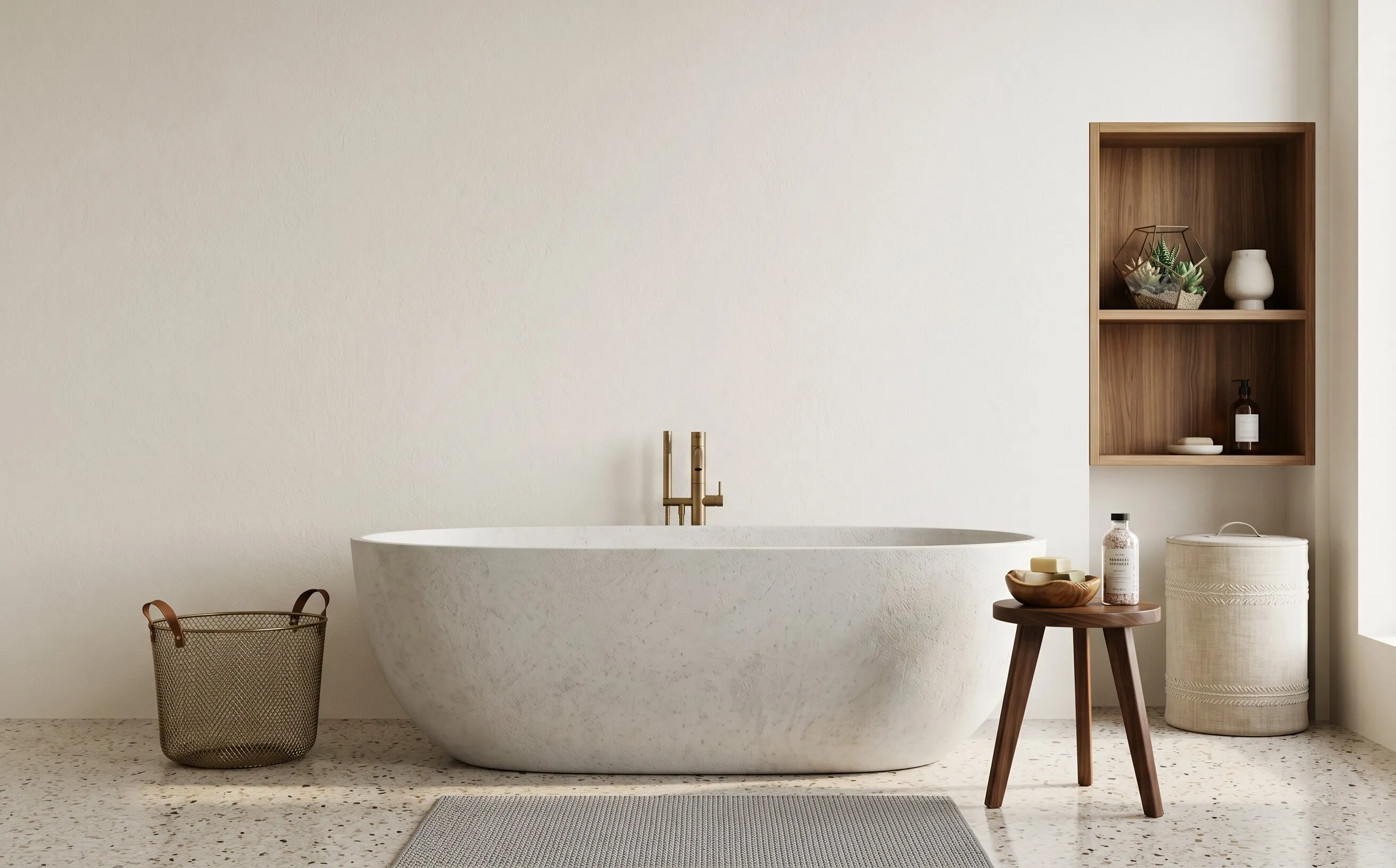
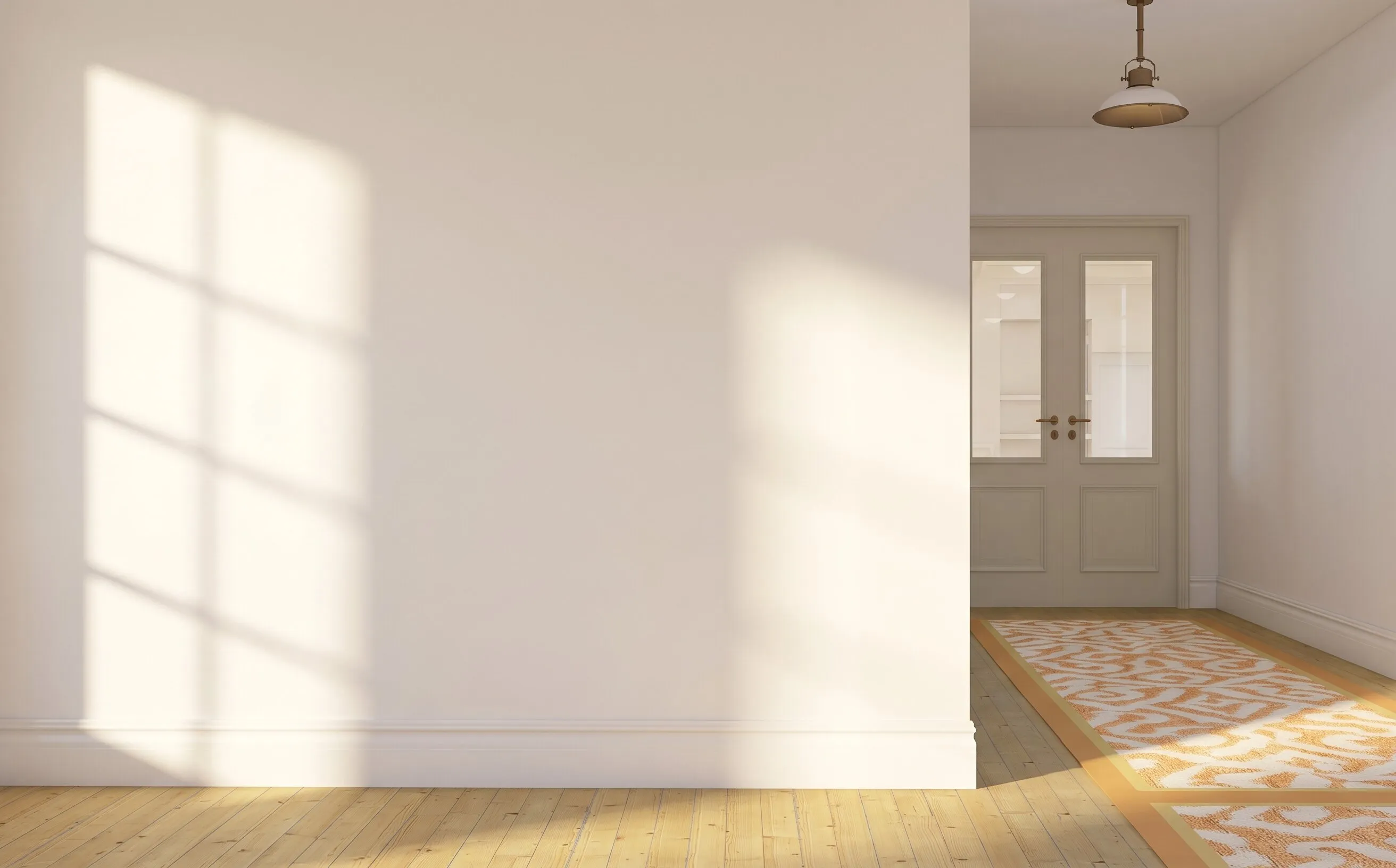
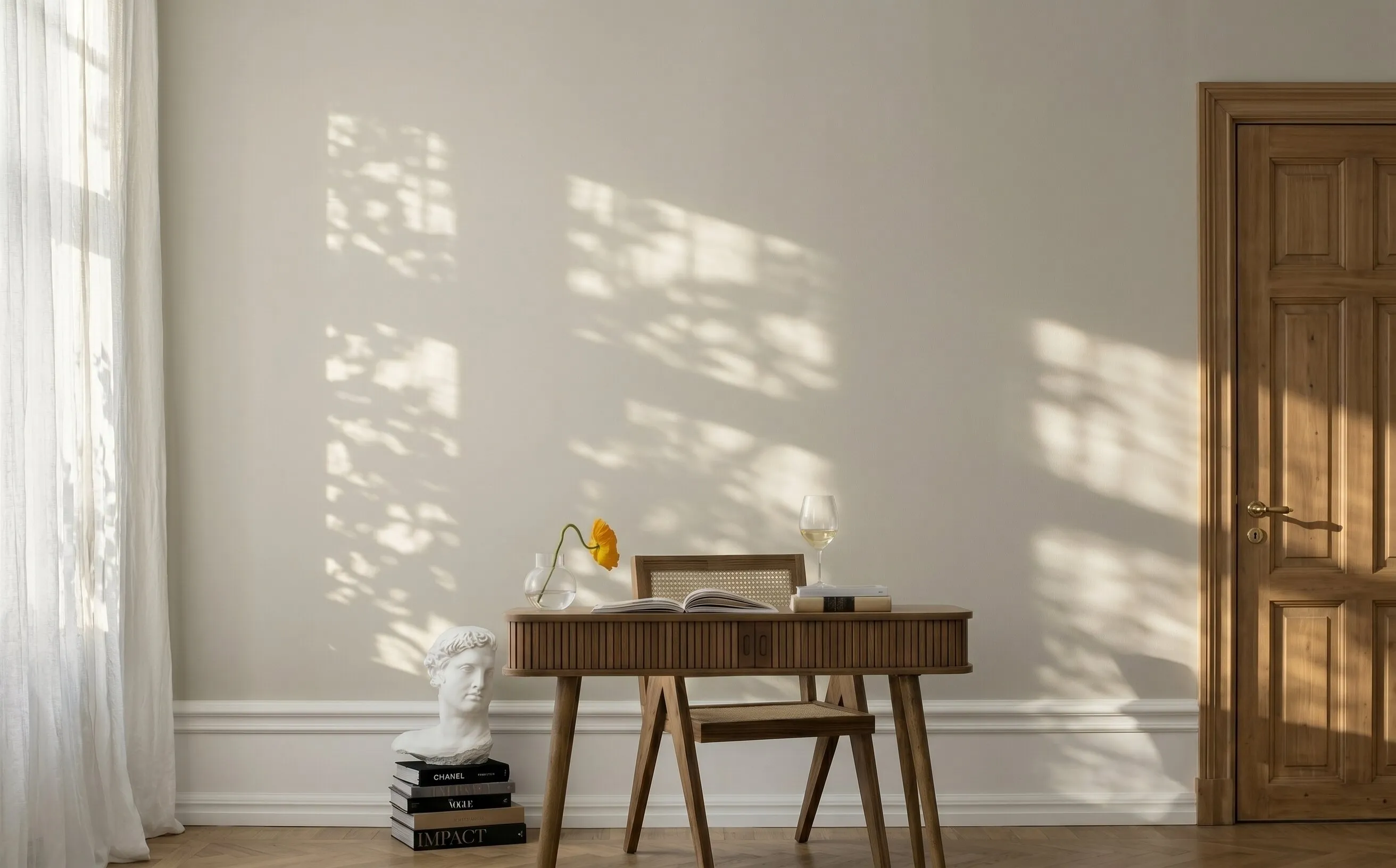
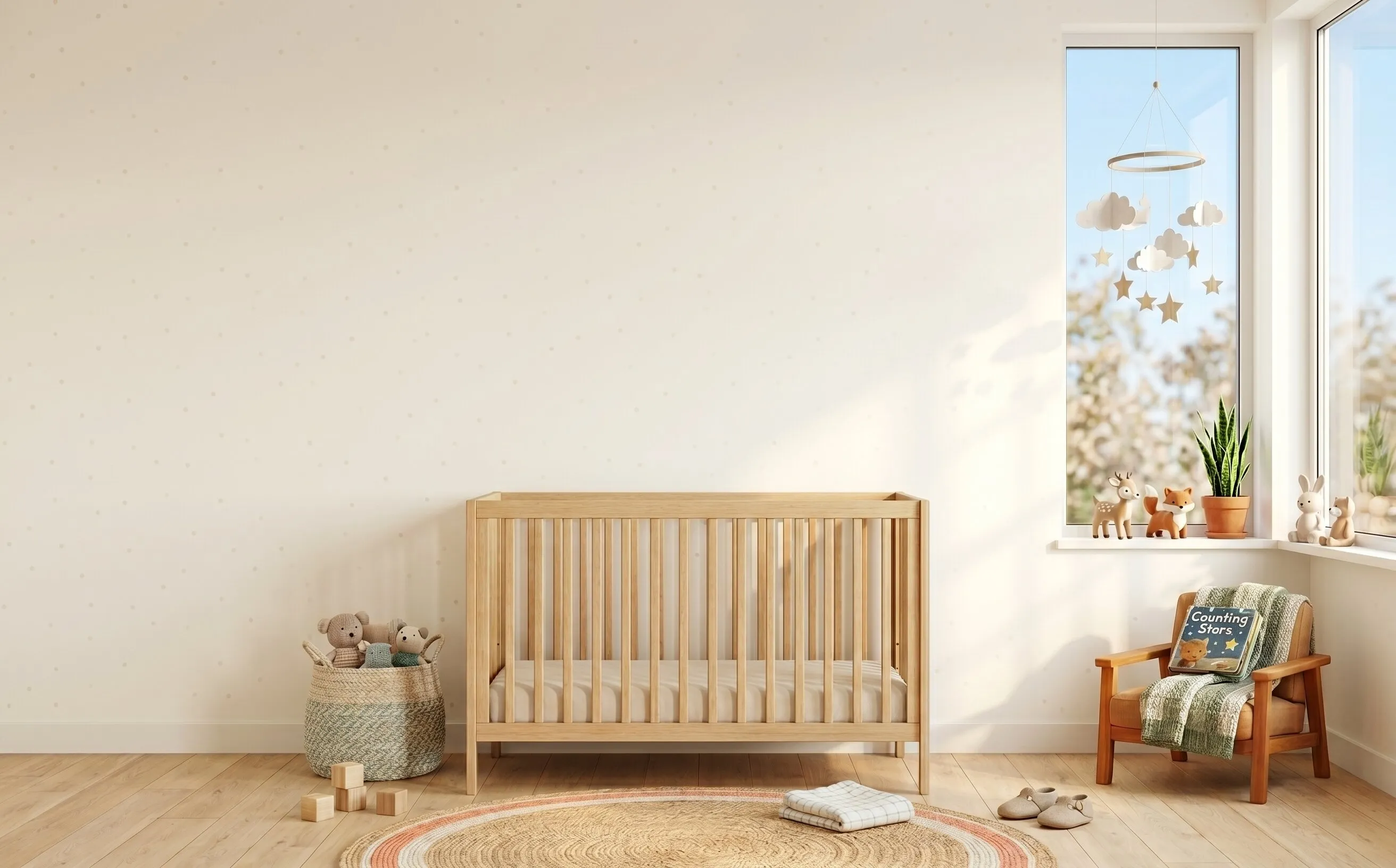
Start in a ready-made room
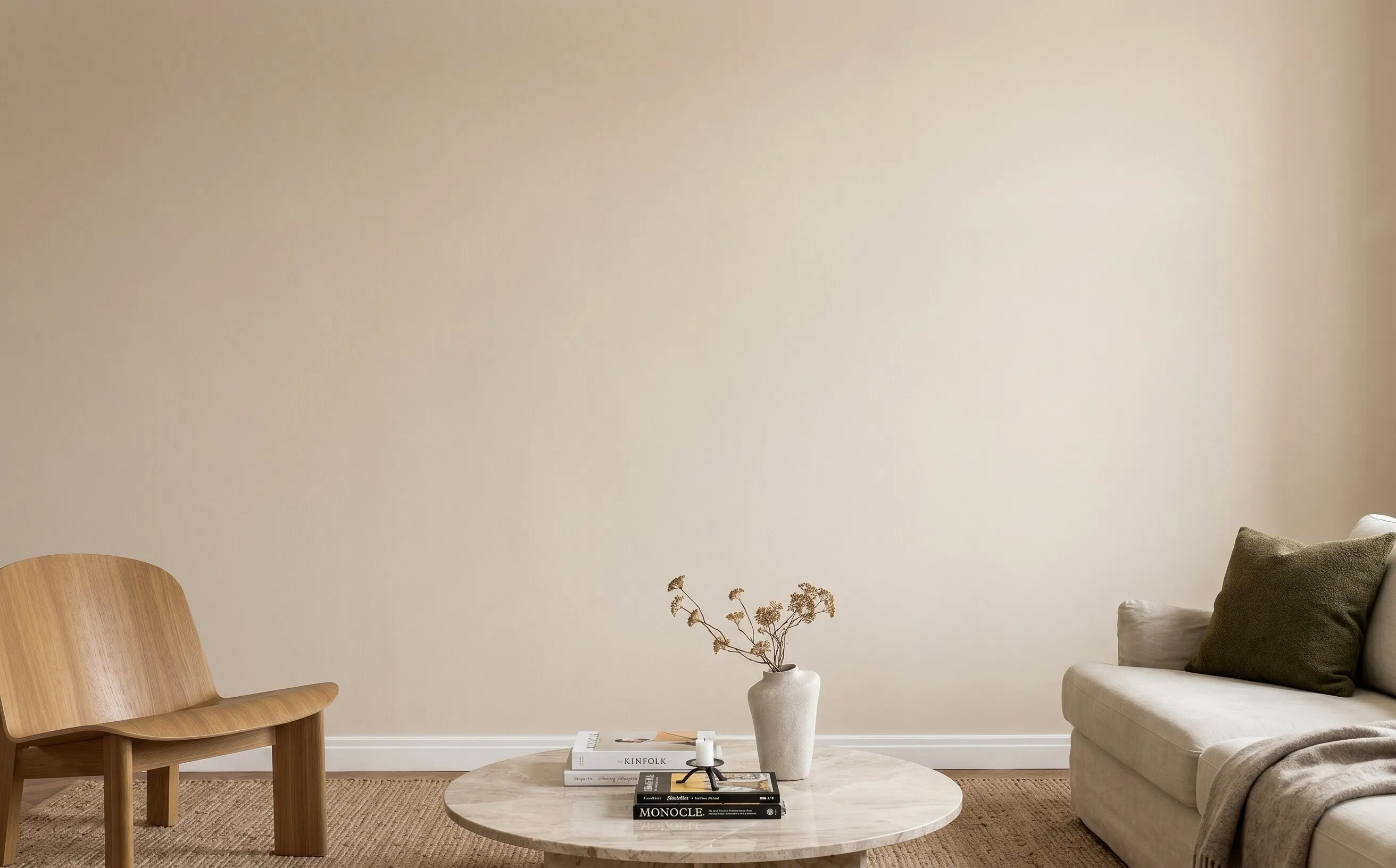
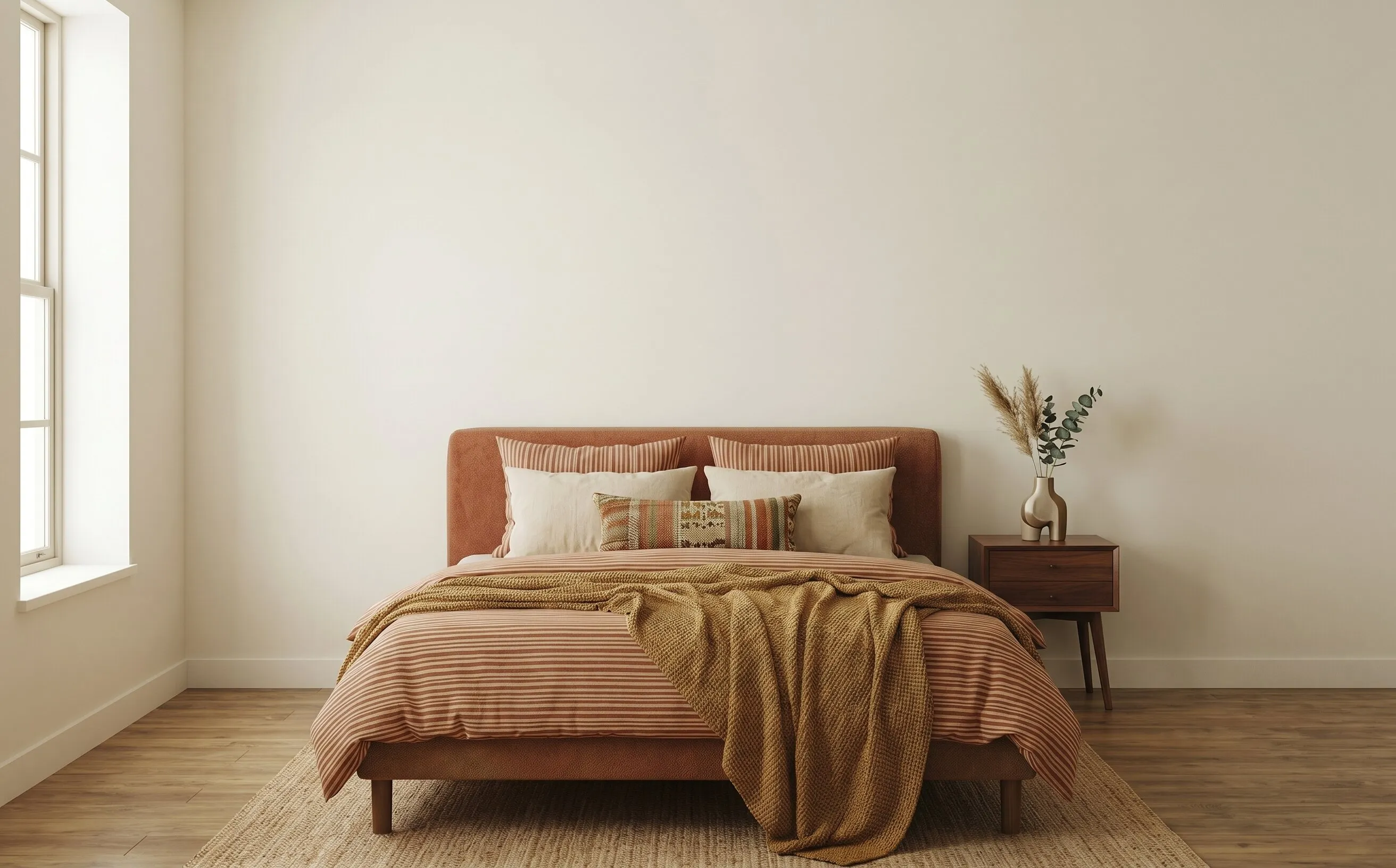
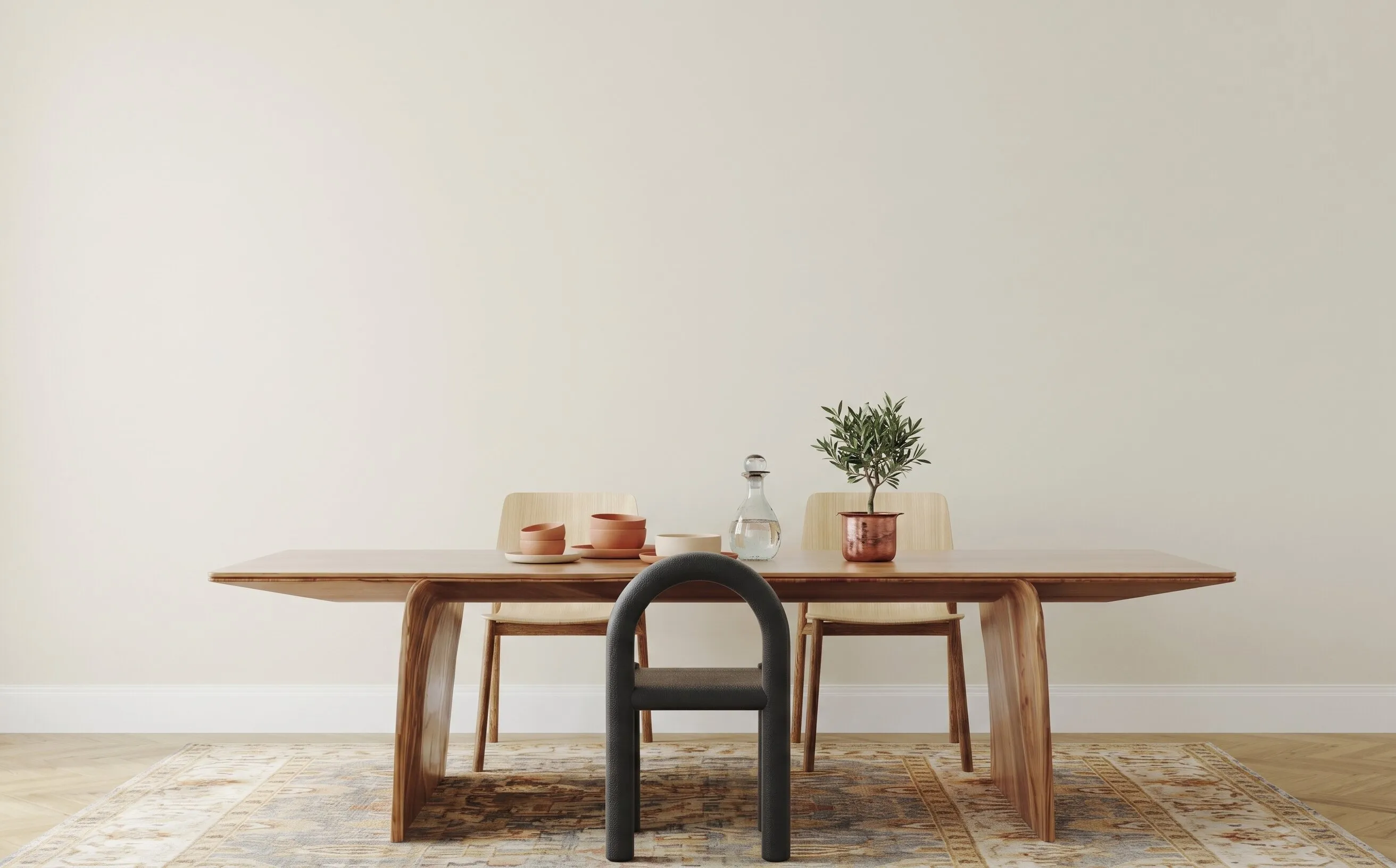
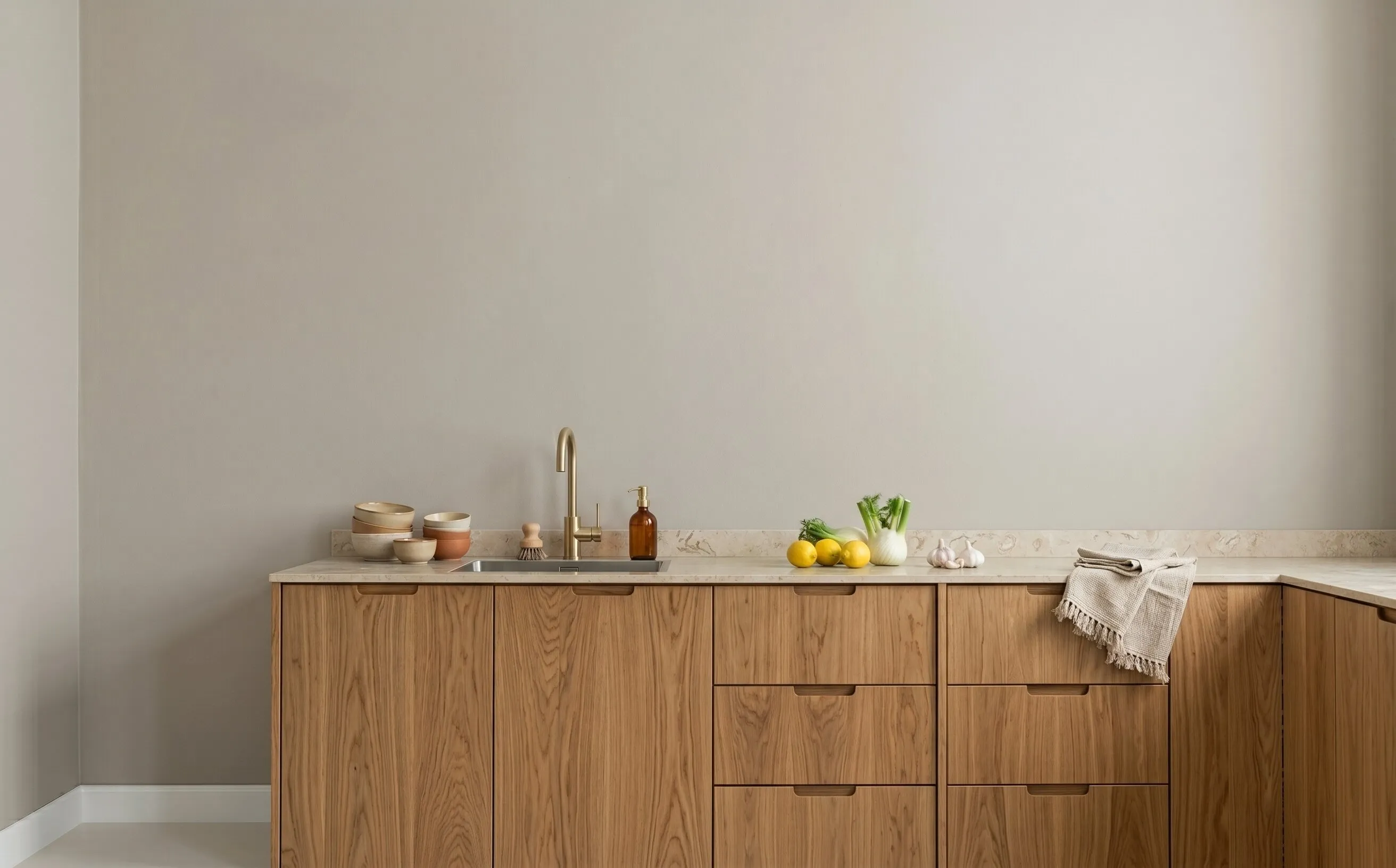
Nine ready-made rooms to try the visualizer in before you photograph your own wall. Start in one, then swap in a photo of your room whenever you like.
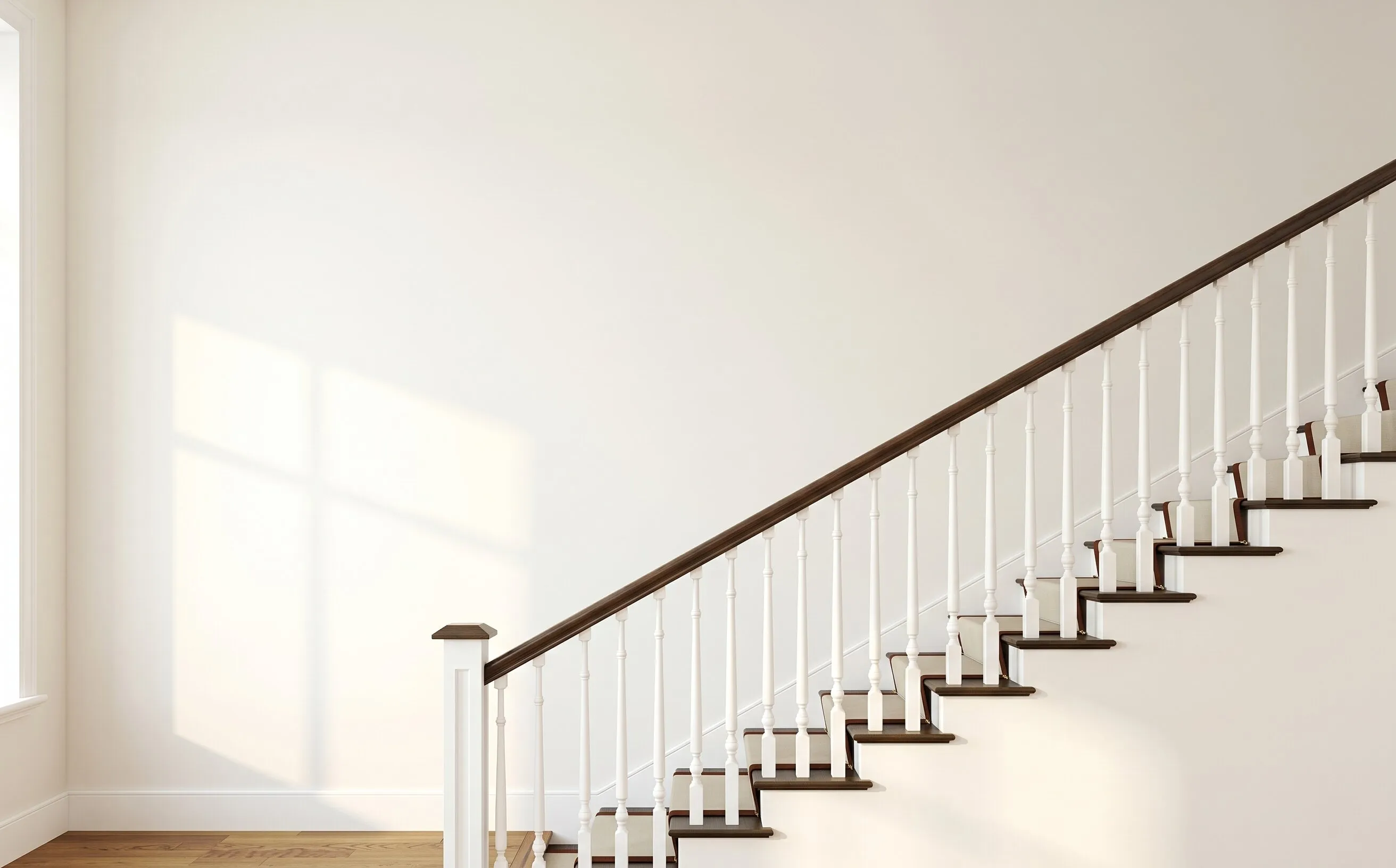
Wall art visualizer apps, print packages and paper templates
Curate, Wallary, Wallpoet, Mixtiles and ArtPlacer all answer the same question: how will the prints look before you pay for them. They differ on whose wall you see, how many prints at once, and what you have at the end.
Scroll sideways to see all six
| What you find out | CurateFree gallery wall planner | WallaryiOS AR app | WallpoetFramed-print package | MixtilesPhoto tiles you order | ArtPlacerSales platform for galleries | Paper templatesCut-outs taped to the wall |
|---|---|---|---|---|---|---|
| Whose wall you see | Your own, from a photo you upload | Your own, through the phone camera | A generic template | None before you order | Stock room mockups, or AR on a wall | Your own, with paper taped up |
| How the size is set | You draw round a light switch, socket or sheet of A4 | The camera's estimate | Fixed by the package | Fixed tile sizes | Set per artwork | You cut each template to size |
| Plan a whole wall at once | Yes, 60+ layouts to start from | Paid Pro tier | Yes, ready-made layouts | No preview, the tiles arrive | One artwork at a time | As many as you cut out |
| Your own photos in the frames | Yes, in the frames you already own | Yes, your photo or a stock image | Yes, in its own frames | Yes, as tiles | Your own catalogue | No |
| Check it on the wall in AR | Yes, in the browser, nothing to install | Yes, on iPhone and iPad | No | No | Yes, on the seller's own site | The wall itself |
| Buy from any shop | Yes, or print your own | Preview only | Its own framed prints | Its own tiles | The seller's inventory | Anywhere |
| Runs on | Any browser: phone, tablet, desktop | iPhone and iPad | Web | Web, then ships tiles | Web, subscription | Paper and tape |
| Cost to try | First room free, no account | Free, Pro tier paid | The price of the package | From about $15 a tile | From about $9 a month | Paper and an afternoon |
| Cost after the first room | Planning free; AI print suggestions from £2.99 | Depends on the tier | Per package | Per tile | Monthly | More paper |
Comparing a specific tool? Read the Wallpoet alternative, Mixtiles alternative, Wallary alternative and ArtPlacer alternative guides.
Checked September 2026; prices and tiers change, so check theirs before you buy.
More tools for the same wall
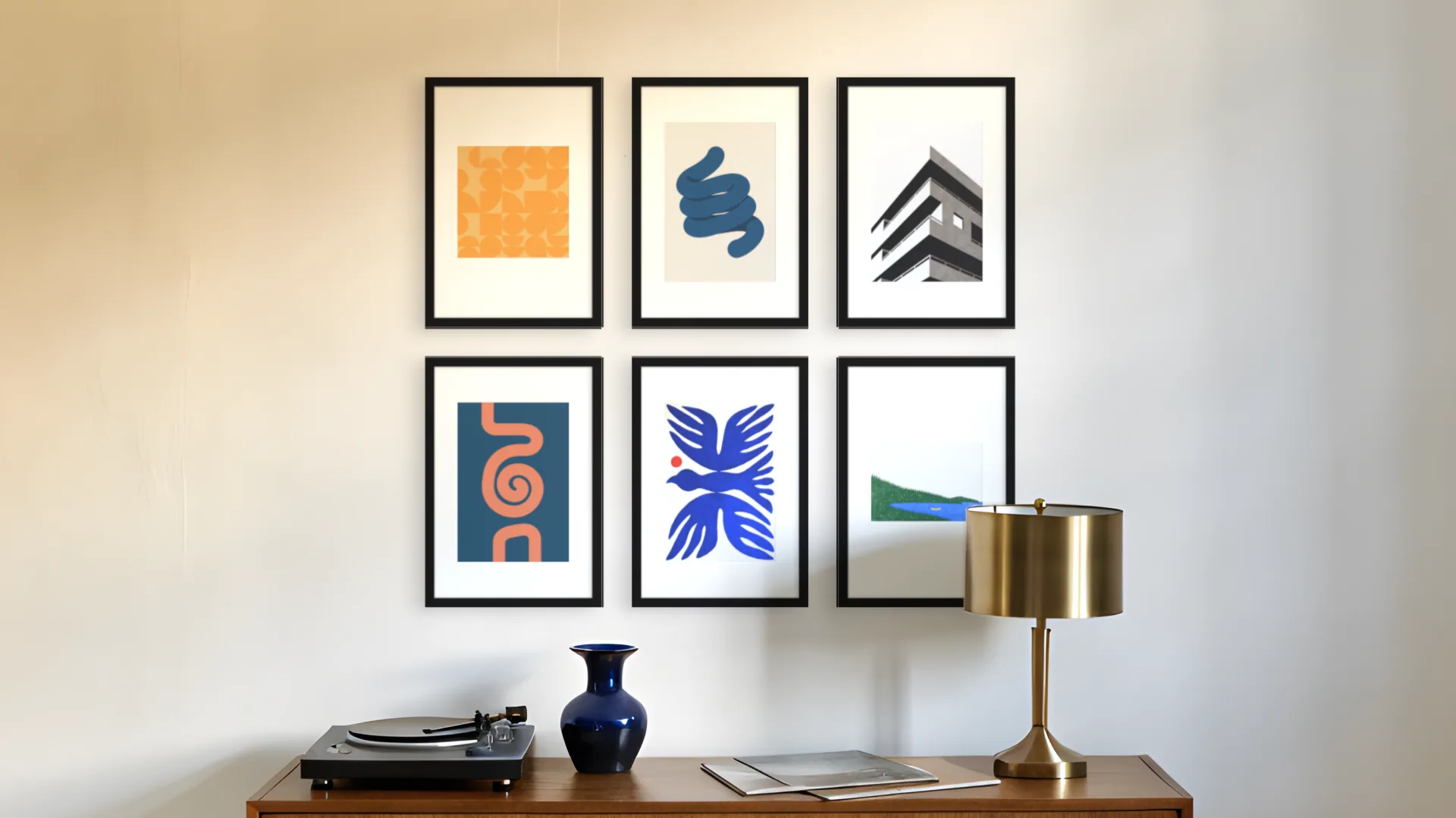
Gallery wall layout planner
Plan the arrangement on a photo of your wall, from a four-frame grid to a salon hang.
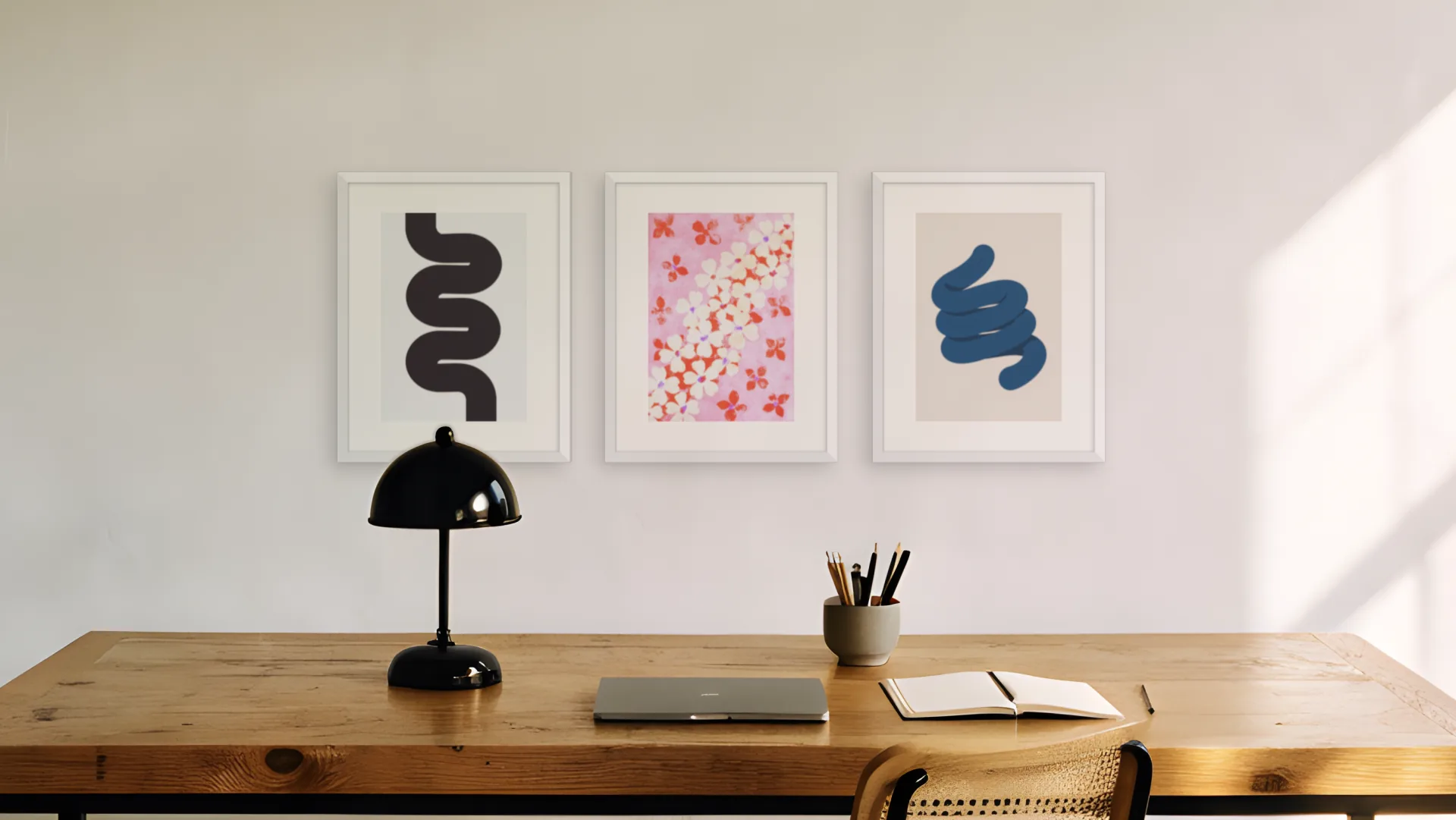
Gallery wall calculator
Frame gaps, total size and hanging height, with a drawing you can print.
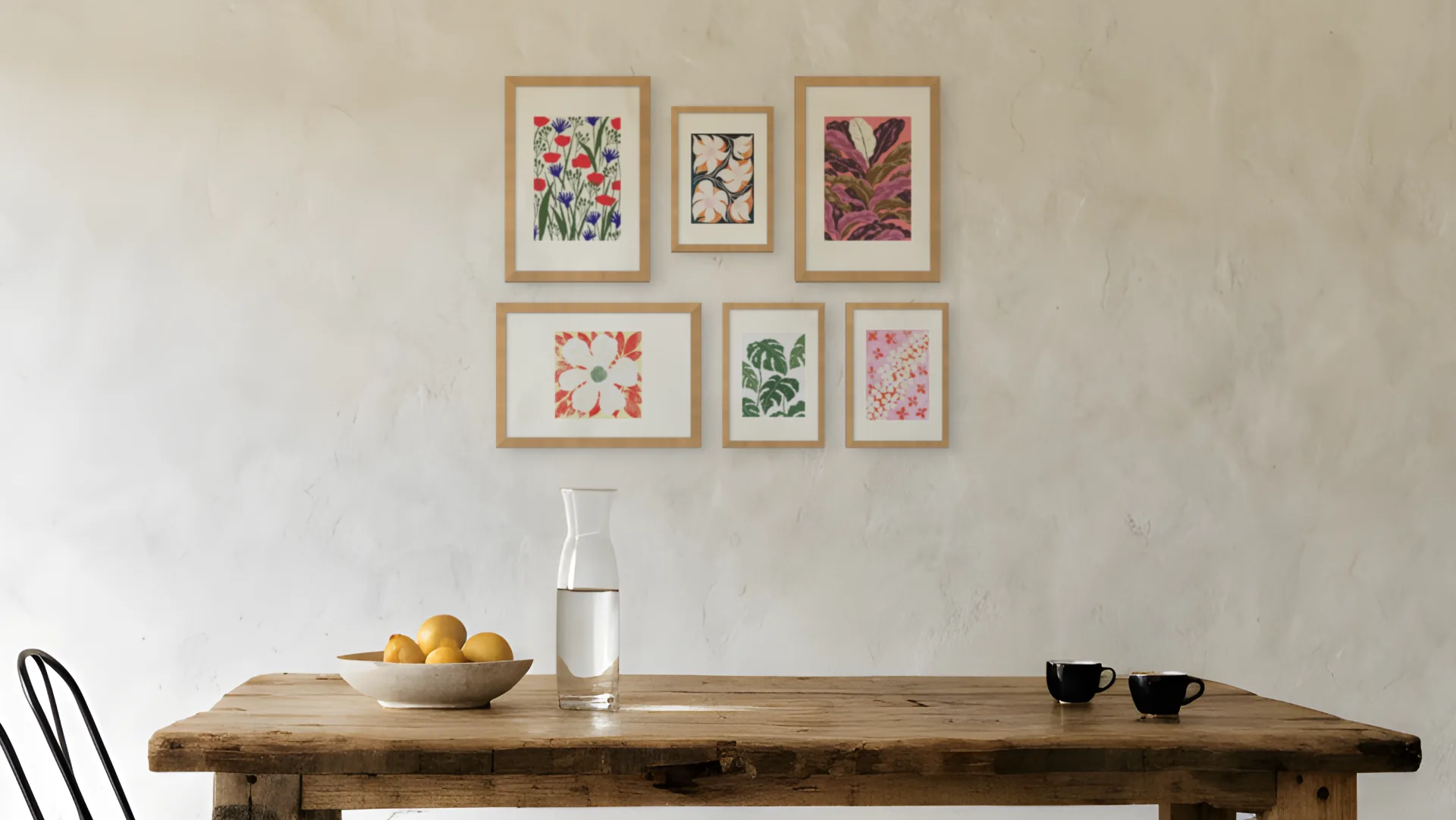
Gallery wall templates
Eight styles to start from, Japandi to Moody, ready to drop onto your wall.
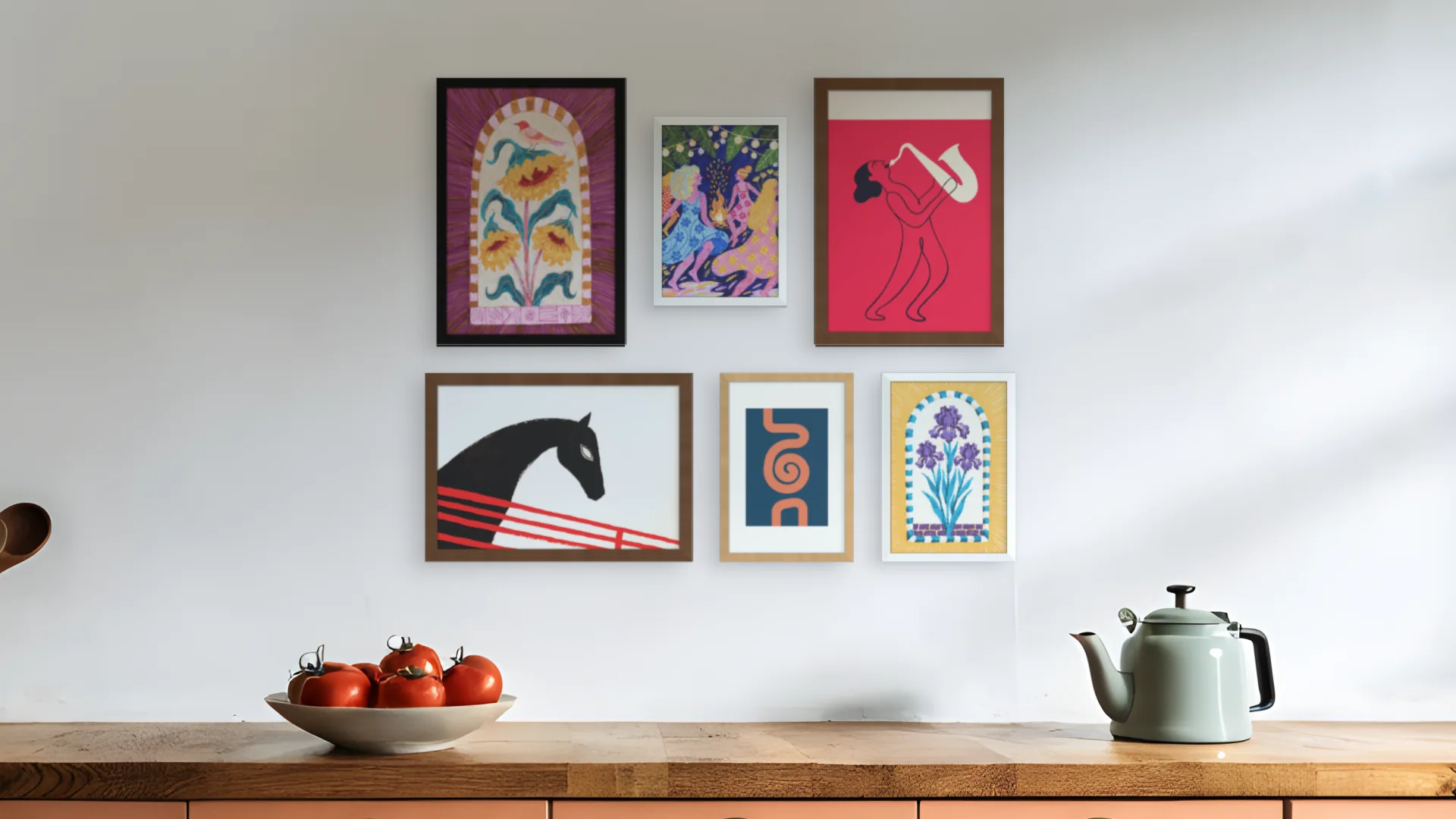
Gallery wall ideas
Ideas for nine rooms and twenty styles, each with a planner link that opens the matching wall.
See it on your own wall. Buy the frames last.
The planner opens on the upload step, so you can judge a print against your own furniture and light.
First room free. No account needed.